Phones with eSIM
Phones with eSIM have a built-in chip on which your carrier stores your subscription profile. Below is a list of all phones with an eSIM available in the Netherlands, with and without a SIM card slot. Filter the list based on what you’re looking for and read the explanation below the list to see what each option means.
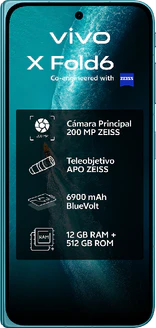
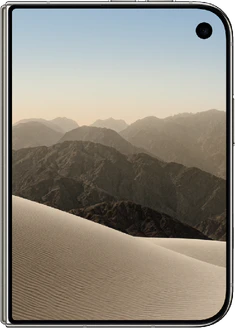



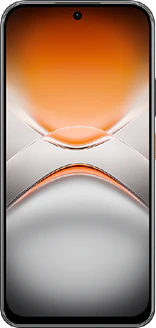
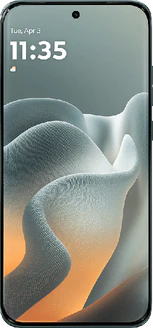
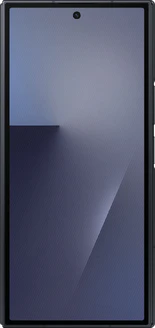
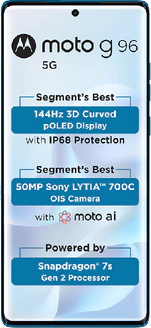
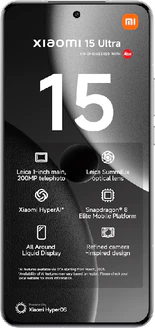
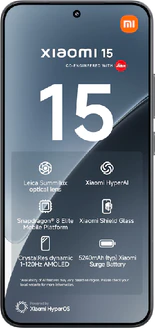
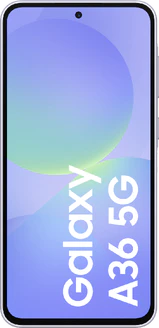
Many new devices now come with an eSIM, but not all of them: it’s still often missing from lower-priced models. So be sure to check whether the device you’re looking for has one.
Which eSIM-enabled phone is right for you?
Two questions will help you decide: Do you still need the physical SIM card slot, and does your carrier offer eSIM? Search for the term “eSIM” on your carrier’s website. There you’ll find whether your plan supports it and how to request a profile, since not every carrier and not every plan offers it.
How do phones with eSIM really differ?
Four factors make the difference here.
- Whether or not there’s a SIM card slot next to it: most devices have a nanoSIM slot next to the eSIM, but there are also models without a tray, in which case the eSIM is the only option.
- Number of eSIM profiles: the number of profiles a device can store and how many can be active at the same time varies by model; check with the manufacturer.
- Two numbers at once: an eSIM alongside a physical card, or two profiles on the eSIM, provides dual SIM without sacrificing a slot.
- Transferring to a new device: whether you can transfer your profile directly from your old phone to your new one depends on the device and your carrier.
The technology behind the eSIM is the same for every carrier, and your number and plan won’t change as a result. What differs is how you retrieve and transfer the profile, and what that means when you want to perform certain actions with your SIM card.
Choose a phone with an eSIM and a SIM card slot if you want to be able to fall back on a physical SIM card, for example, if your phone breaks or if you need a local SIM card while abroad.
Choose a device without a SIM tray if you rarely switch devices and the design or internal space is more important to you than having that backup option.
What is an eSIM?
That fixed chip contains a subscription profile from your carrier, including your number and subscription details; the chip itself remains in the device permanently. The abbreviation stands for embedded SIM, and in technical terms, such a chip is called an eUICC. The standard comes from the GSMA, the trade association for mobile carriers.
Because your carrier can remotely install and remove such a profile, watches, tablets, and cars also use this technology: these devices often lack space for a card slot. The different physical SIM card formats and how they relate to each other are listed on the page about dual-SIM phones.
How to set up an eSIM
You request the profile from your carrier and then install it on your device. This is usually done in one of the following ways, depending on your carrier: you scan a QR code, enter an activation code, or download the profile via your carrier’s app. If you’re switching from another device, the profile can often be transferred directly. After that, the eSIM will appear in your phone’s network settings, and you can enable it. You’ll need an internet connection—via Wi-Fi or mobile data—to download the profile.
How it differs from a SIM card
Five things will change in your daily use—and not all of them are to your advantage.
- Switching devices: you can’t transfer a physical card. You send the profile directly to your new phone or request a new profile from your carrier.
- A broken or stolen phone: your number doesn’t just transfer to an old spare phone. You’ll need your carrier to handle that, which means you’ll have to find another way to get online.
- Lending or borrowing a phone: You can’t just slide your SIM card into another phone; this also requires your carrier or an app.
- Reselling a phone: delete your eSIM profile before selling the phone. When you reset a phone, you’re sometimes asked separately whether the eSIM profile should also be deleted; if you accidentally say yes while still keeping the device, you’ll have to request a new profile.
- Traveling abroad: You can add a local data profile alongside your own plan without affecting your plan, and then turn it off again afterward.
Do you need an eSIM?
No, a physical nanoSIM does exactly the same thing. The eSIM is convenient, but not a requirement. The card tray does take up space inside a device, and on the thinnest models, that tray is the first to go: the Apple iPhone Air doesn’t have one. Whether the SIM card will eventually become the exception remains to be seen.
Are there devices without a SIM card slot?
Yes, but they’re still the exception. The iPhone Air is the best-known example: due to its design, that device has no room for a card tray and works only with eSIM. The other models in the iPhone 17 series in Europe retain their nanoSIM slot alongside the eSIM, and the eSIM-only versions that Apple sells in the United States and other countries are not available here. Check which SIM cards each device supports. See also the overviews of iPhones and Android phones.
