Touchscreen phones
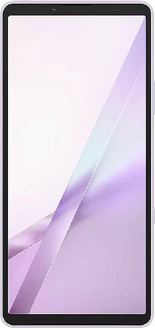
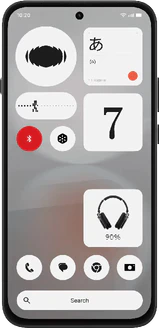
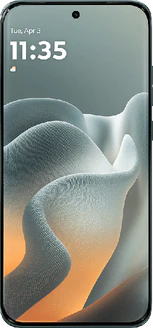
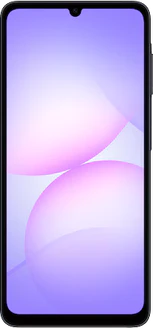
Are you looking for a touchscreen phone? Here are the phones from our comparison that you control entirely via the screen, ranging from compact models to phones with large displays. The difference isn’t whether it has a touchscreen, but what kind of screen you get: brightness, size, and responsiveness vary significantly. We provide independent comparisons and show the current prices for each device. Use the filters to narrow down your options and find the device that’s right for you right away.

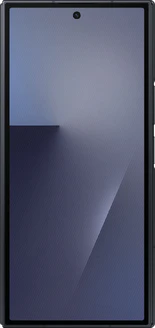
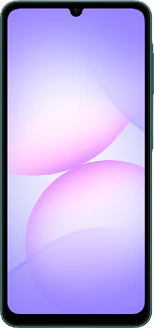
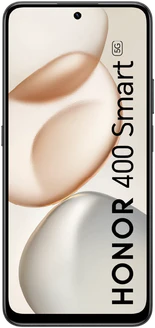
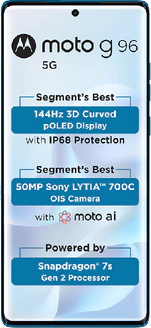
What should you look for in a touchscreen phone?
Almost every device sold today is operated via the screen. So the real choice comes down to the quality of that screen. Four factors determine how well a touchscreen performs in everyday use: the panel type, brightness, refresh rate, and size.
OLED or LCD
OLED screens turn each pixel on and off individually. This results in true black, high contrast, and usually better outdoor readability. LCD screens use a single backlight and are cheaper to manufacture, which is why you’ll find them mainly in entry-level models. You’ll notice the difference right away with videos and photos, but hardly at all when making calls or sending messages.
OLED also has a drawback that’s rarely listed in the specs. At low screen brightness, many OLED panels dim by rapidly turning on and off. Most people don’t notice this, but some users report eye strain or headaches as a result. If you’re sensitive to this, you’re better off choosing an LCD screen.
Brightness and Refresh Rate
Brightness determines whether your screen remains readable in bright sunlight. The refresh rate, measured in hertz, determines how smooth scrolling and animations appear: 120 Hz feels noticeably smoother than 60 Hz. A higher refresh rate does require more power, though many devices automatically scale it back when nothing is moving. Keep in mind that a high hertz number alone says nothing about the panel’s brightness or color reproduction; those are separate characteristics that you evaluate on their own.
Size and Usability in Practice
A large screen is pleasant for reading, but one-handed operation becomes more difficult. Also pay attention to the coating: an oil-repellent layer ensures fewer fingerprints are left behind. If you often use the device with wet hands or while wearing gloves, check the frequently asked questions on this page to find out why that doesn’t always work well.
- Compact smartphones: easy to operate with one hand, with a smaller screen
- Basic smartphones: a full-featured touchscreen with simplified controls, for those who don’t want a complicated menu
- Senior phones: simplicity and readability are key; this list includes both button-based phones and models with a simplified touchscreen
- Gaming phones: screens that register your touch more frequently per second, which can make a noticeable difference in fast-paced games
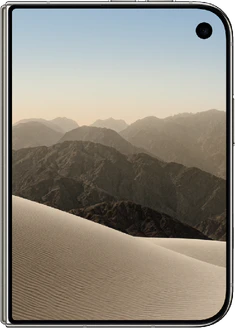
- Foldables: a compact device that unfolds to reveal a large screen
Prefer not to have a touchscreen?
If you prefer to operate your phone with physical buttons, then a touchscreen is exactly what you’ll want to avoid. That’s possible: there are still phones with physical keys or a flip design.
- Feature phones: simple devices with buttons, designed for making calls and sending text messages
- Dumbphones: deliberately limited phones without the distraction of apps
- Full keyboard: phones with a full keyboard below or next to the screen
- Flip phones: close by folding to hang up. Note: in addition to button-operated phones, this list also includes foldable models with a touchscreen
