Compare Kids' Smartwatches
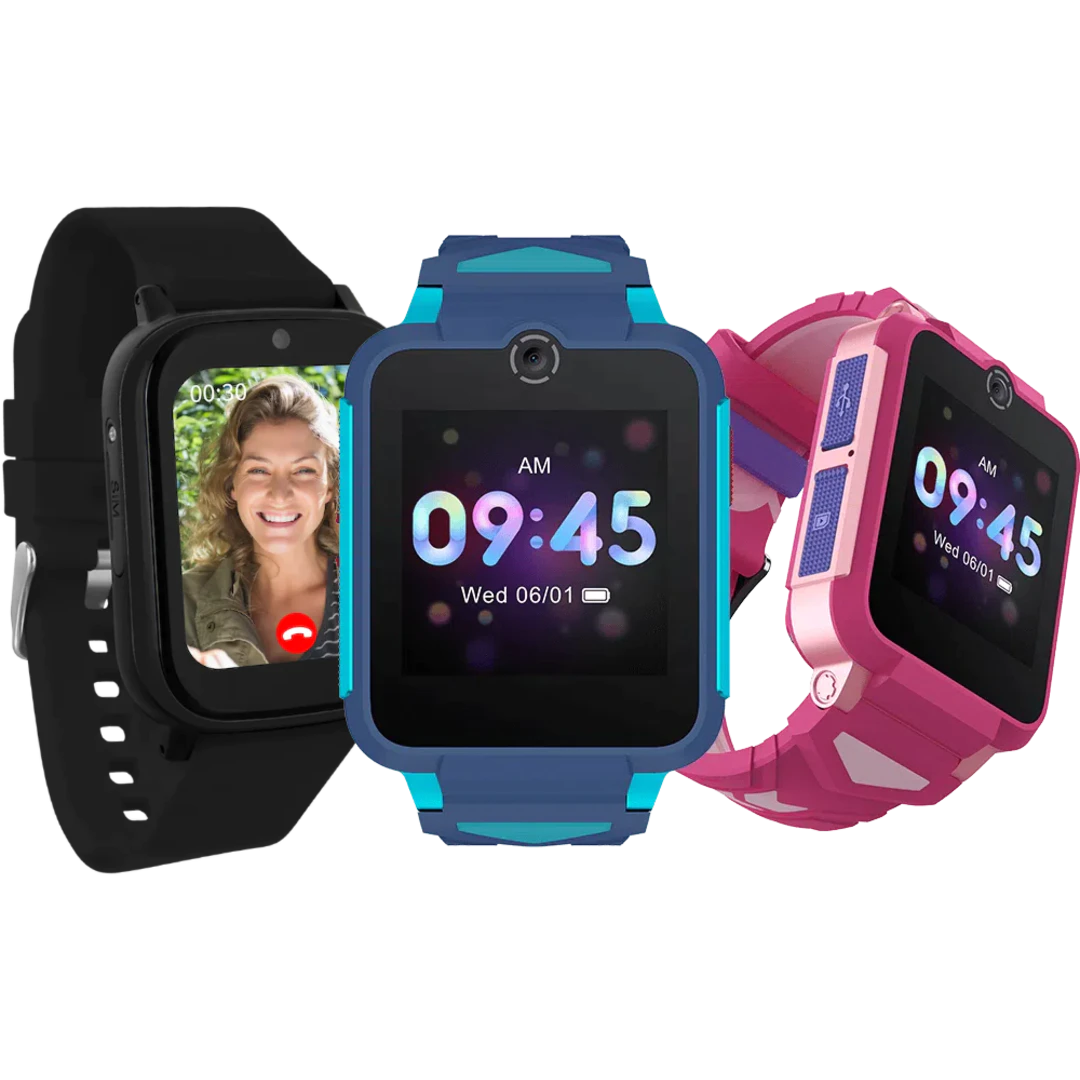
A kids' smartwatch is often the safest first step for your child: it lets them make calls and be located via GPS, has an SOS button, and doesn't have open internet access, an app store, or social media. In this overview of smartwatches for kids, you can compare models based on price, calling features, GPS tracking, and water resistance. Use the filters to find the kids’ smartwatch that’s right for your child.
What should you look for in a kids' smartwatch?
A kids' smartwatch is all about stay-in-touch capabilities and safety, not apps. Once you've decided on a smartwatch instead of a phone, keep the following points in mind.
Calls, SOS, and contacts
Most importantly: your child can call a pre-set list of contacts and send voice or text messages, and you can call them back. Strangers can’t get in the way, because only approved contacts can reach out. An SOS button sends an alert with the location to the parents with a single press. For this, the smartwatch needs its own SIM card, just like a phone.
GPS location and geofencing
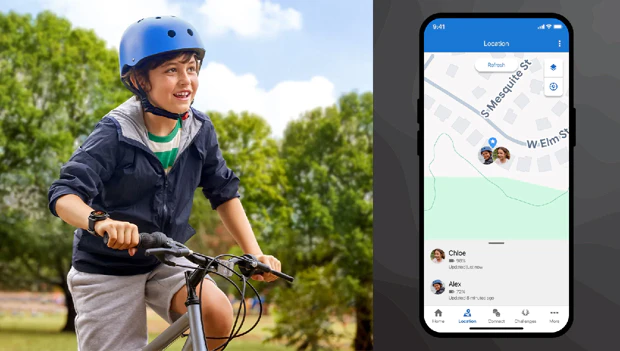
Through the accompanying app, you can see your child’s location in real time. With geofencing, you can set up safe zones—such as school or home—and receive a notification as soon as your child arrives or leaves. Make sure the device has a GPS receiver combined with 4G, as this determines how up-to-date and accurate the location is.
Privacy and Security
Especially with a device you’re buying for safety, you don’t want to take any risks. Research by the British consumer organization Which? showed that some cheap, no-name children’s smartwatches could be hacked: strangers could access the location and sometimes eavesdrop. Therefore, choose a well-known brand that is transparent about where the data is stored, preferably within the EU. A Dutch brand like One2track (servers in Apeldoorn) is a good example of this.
SIM Card, Plan, and Water Resistance
Every children’s smartwatch requires its own SIM card, and the models differ in how this works. With One2track, the SIM card is already installed, and you can choose between a prepaid plan—where you pay per day and per call or text message—and a fixed monthly fee that allows you to use all features without limits. The TCL MoveTime FamilyWatch2 runs on a monthly subscription through Odido, and the Garmin Bounce has its own subscription plan. So be sure to factor in those monthly costs and compare them with the provider, as they vary by model.
They’re all waterproof, so you don’t have to worry about that. The difference lies in the degree of water resistance: with a rating of 5 ATM, the Garmin Bounce is the most water-resistant and suitable for swimming, while the One2track Connect Up, with an IP64 rating, isn’t quite as water-resistant—it’s more than sufficient for splashes, rain, and washing your hands, but not for swimming.
Choose a One2track or the TCL MoveTime if you mainly want calling, location tracking, and an SOS button, in the lowest price range of this overview.
Choose the Garmin Bounce if your child is very active in sports and swimming and you want a sturdier, water-resistant model with its own subscription.
