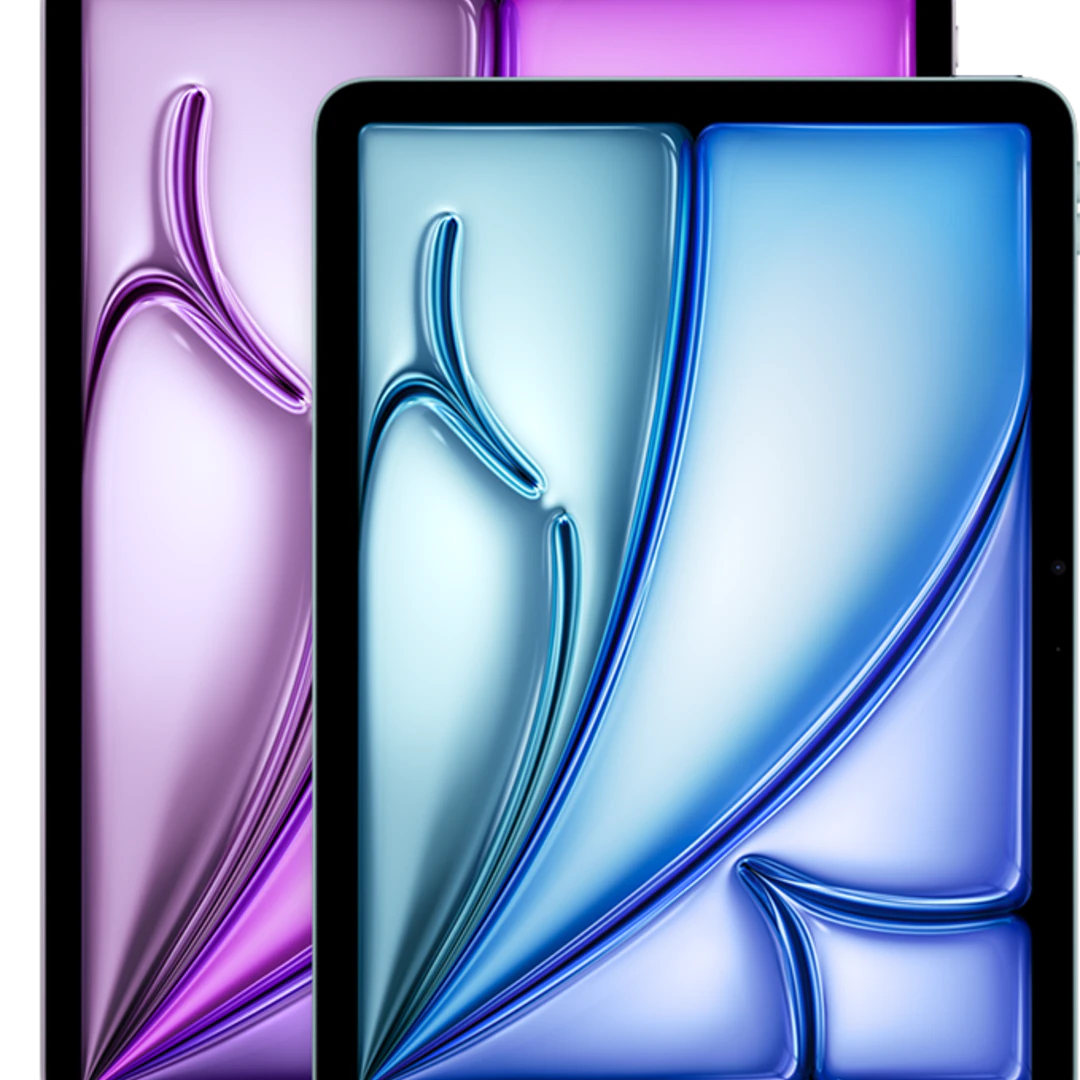
Apple iPad Air with M4 chip
The iPad Air with M4 chip has been Apple’s mid-range model since March 2026: laptop-level performance in a tablet, without the price tag of an iPad Pro. You can choose between an 11-inch and a 13-inch screen, with or without cellular connectivity. If you’re still unsure about which model to choose, compare it with the other models in the iPad Air series or check out the iPad Pro series. We compare the current prices from all retailers, 100% independently. Use the filters for storage, screen size, and 5G to instantly find the right iPad Air.
What makes the iPad Air with the M4 chip different?
Apple announced this iPad Air on March 2, 2026; it has been available in stores since March 11. The M4 chip has eight CPU cores and nine GPU cores, and it comes with 12 GB of RAM. That’s enough to keep resource-intensive apps open side by side and to edit video without any lag. It also features Wi-Fi 7, Bluetooth 6, and an N1 chip that supports Thread for smart home devices.
How does it differ from the previous iPad Air?
The design has remained the same: the same 11- or 13-inch LCD display with 500 nits, the same Touch ID in the power button, the same USB-C port, and the same support for the Magic Keyboard. So what you’re really buying is speed: the chip, RAM, Wi-Fi, and modem. If you’re still happy with your current iPad Air, that’s not much of a reason to upgrade. But if you’re coming from an older iPad, the leap is significant.
Mobile Internet: Apple’s Own C1X Modem
If you choose a model with cellular connectivity, it includes Apple’s own C1X modem. Apple claims up to 50 percent faster cellular performance with up to 30 percent lower power consumption compared to the Qualcomm modem in the previous iPad Air. That’s a manufacturer’s claim, so take it with a grain of salt, but the general idea is correct: lower power consumption for the modem means, in practice, longer battery life when working on the go. You can find all models with a SIM card at iPads with SIM cards.
iPad Air or iPad Pro?
The biggest difference lies in the display and the cameras. The iPad Pro has a more advanced display and a more comprehensive camera system; the iPad Air features a 500-nit LCD display, a 12-megapixel rear camera, and a 12-megapixel front camera with Center Stage. Otherwise, they’re closer in capability than the price difference might suggest.
Choose the iPad Air with M4 if you want a fast tablet for work, school, drawing, and gaming, and you don’t notice the difference in display quality on a daily basis.
Choose the iPad Pro if you do professional color grading, work a lot in bright light, or want the very best display. For most people, that’s overkill.
Which size and how much storage?
The iPad Air with M4 comes in four storage options: 128 GB, 256 GB, 512 GB, and 1 TB. You can’t expand the storage later, so it’s best to choose a size one step larger than you think you’ll need.
- 11-inch: Lighter and easier to carry. The logical choice if the tablet will mostly be in your bag or on your lap.
- 13-inch: more workspace for two apps side by side, drawing, and watching movies. Heavier, and with a keyboard, it’s close to a laptop in terms of weight.
- With a SIM card (5G): Only necessary if you really need to be online while on the go. Otherwise, your phone’s hotspot is cheaper.
Drawing and typing: factor in the accessories
The iPad Air with M4 works with the Apple Pencil Pro, the Apple Pencil (USB-C), and the Magic Keyboard. You’ll need to buy all of these separately, and they aren’t cheap: factor them into your budget, because together they can easily make up the price difference compared to an iPad Pro. Also consider an Android tablet if you’re not tied to the Apple ecosystem, since those often come with a stylus included.
