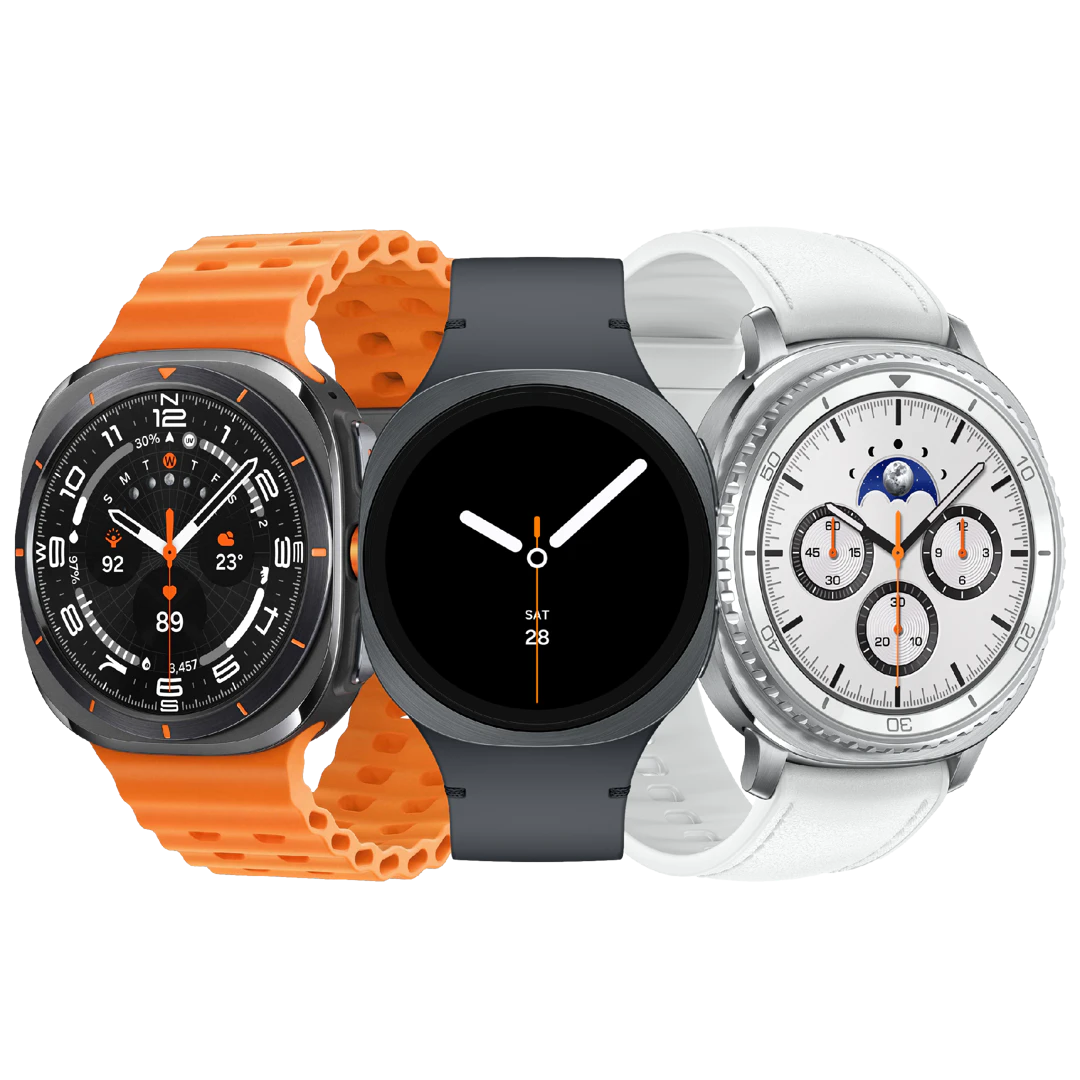
Compare Samsung Smartwatches
Compare Samsung smartwatches here in one place: all Galaxy Watch models side by side, with and without 4G. For each watch, you can immediately see which carriers offer it, so you can compare everything in one place. Click through to the model that interests you; there, you can choose the size and whether you want 4G.
Galaxy Watch 9 Series
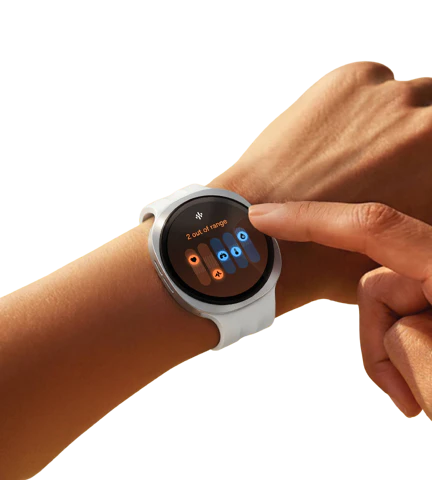
All Samsung smartwatches
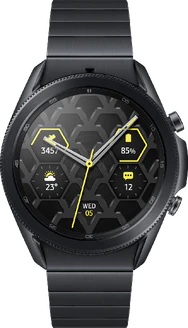
Which Samsung smartwatch is right for you?
Samsung categorizes its watches into a few standard models. Once you know which model you’re looking for, the rest is mainly a matter of size and 4G.
The models side by side
- The base model: the standard Galaxy Watch, with a touch-sensitive bezel around the screen instead of a rotating bezel.
- The Classic: the same watch with a physical rotating bezel, which lets you navigate through menus without touching the screen.
- The Ultra: the most rugged model, with a distinctive case shape, an extra button, and the longest-lasting battery in the series.
- The FE: the entry-level model in the series, based on technology from a previous generation.
- With or without 4G: a 4G model makes calls and connects to the internet without your phone nearby; without 4G, the watch relies on the connection to your phone.
Wear OS, notifications, contactless payments, and tracking of heart rate, sleep, and workouts are included on every current Galaxy Watch model. So your choice comes down to the bezel, how durable and how large you want the watch to be, and whether you want it to work without a phone.
Choose the base model if you want a lightweight smartwatch and don’t need a rotating bezel.
Choose the Classic if you want to be able to navigate menus with wet or cold fingers.
Choose the Ultra if you exercise outdoors and want to go as long as possible without a charger.
Choose the Galaxy Fit if you just want to track your activity and sleep with a slimmer strap.
Size
Samsung releases most models in two sizes, with the larger size offering a bigger screen and usually a longer battery life. If you have a narrow wrist, start with the 40mm models.
Connecting to Your Smartphone
To connect your Galaxy Watch to your Android smartphone, you’ll need to download the Galaxy Wearable app from the Google Play Store. You don’t necessarily need a Samsung smartphone to do this. Then, connect to the watch via Bluetooth.
However, some of the health features only work in combination with a Samsung phone. Be sure to check this if you plan to use the watch with a phone from another brand. Earlier Galaxy Watch models could also be connected to an iPhone, but this is no longer possible since the watch switched to the Wear OS operating system.
From Gear to Galaxy Watch
Samsung has been making smartwatches since 2013. The South Korean company’s first model was called Galaxy Gear. Samsung then dropped the Galaxy name for a few years, and the watches were released under the Gear brand. Since the Galaxy Watch launched in August 2018, the Galaxy name has returned.
That first new-style watch was released in two sizes, 42 and 46 mm, and a new generation has followed almost every year since then. Samsung uses a round design for most models; the Ultra deviates from this with a more angular case. For a time, the series also included an Active variant—a smaller, lighter version without a rotating bezel. After that, no more Active models were released.
From Tizen to Wear OS
Since the Samsung Galaxy Watch4 in 2021, Samsung has been using the Wear OS operating system for its smartwatches, which, like Android, is released by Google. Prior to that, Samsung used the Tizen operating system, which it largely maintained on its own.
Regardless of the operating system, Samsung uses a custom skin it developed itself, called One UI Watch. Just like One UI for Android smartphones, this skin determines how icons look, which color schemes are used, and how sounds are rendered.
