Google Pixel 10 Pro review
Attraction with the necessary resistance
Google launches an all-out assault on Apple with its revamped Pixel 10 series. A bold challenge that is being played out with great success in the USA. But here in Europe, promising AI features are missing. Does Google have enough in house to win on this battleground as well, or is the gap too big?
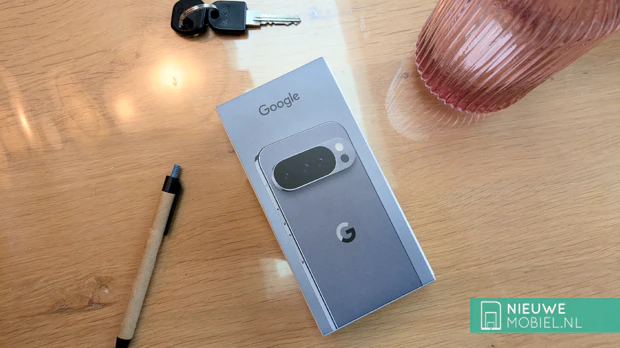
On paper, the Pixel 10 Pro is a formidable competitor to the iPhone, with a self-developed chip and advanced AI features. The Pixel 10 Pro should not only be equivalent, it should be better and convince current iPhone users to switch.
Contents of the box
Energy label A
USB-C to USB-C cable
SIM card eject pin
Safety, Warranty and Regulatory Guide
Escaping from the Apple ecosystem is still going to be a struggle, even switching from one Android phone to another Android phone is sometimes challenging. Google does make it easier for switchers, though, and there are manuals and software to take the transferring of data off your hands.
Google embraces the same philosophy as Apple when it comes to the user experience. Thus, it is not about numbers but "everything just works." However, Google does approach problems differently than Apple. Whereas the iPhone, especially the Pro models, are very high-end, the Pixel Pro phones are somewhat less so. Especially performance, but more on that later.
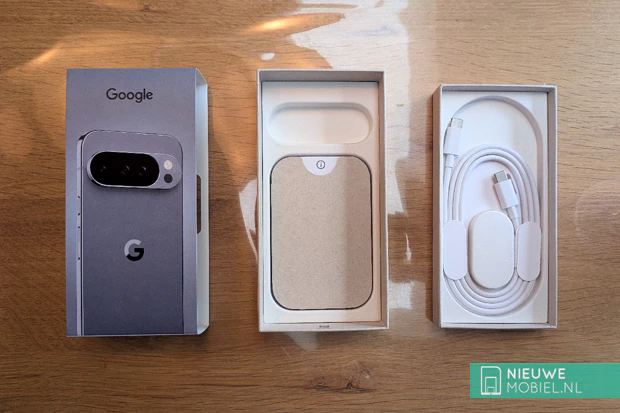
We'll go over all the components piece by piece in this review. Do the new AI features impress us? How nice is the screen in daily use and how convenient is having Qi2 magnets in the case really?
Design
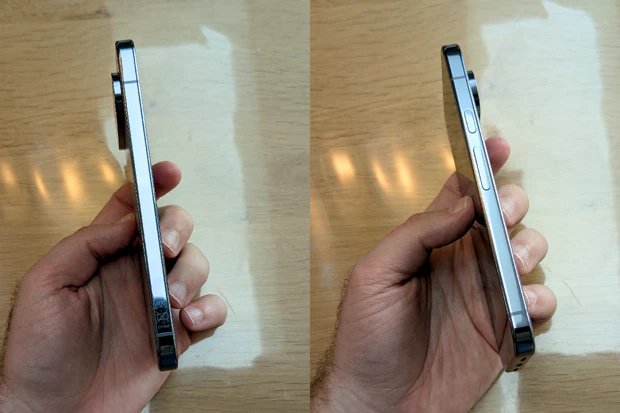
Google left the design of the Pixel 10 Pro virtually unchanged. It still features heavily rounded corners, a flat screen, shiny sides and a back that is dominated by camera bar that takes up the entire width. This makes it look recognizable, but it's also practical; it keeps the device from wobbling when you put it down.
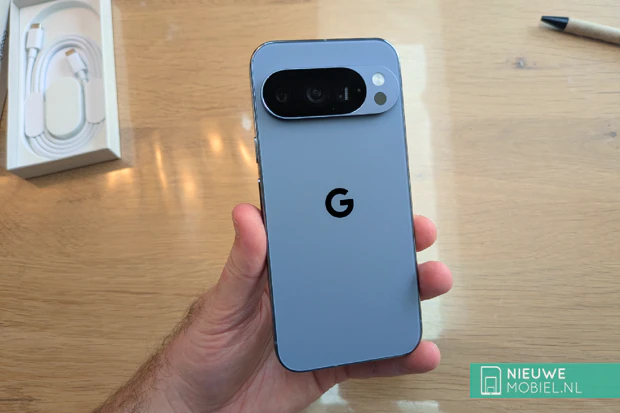
The weight is on the heavy side at 207 grams, which may be due to the addition of magnets and a larger battery. It's not a big difference from the Pixel 9 Pro, by the way, so we have little to complain about.
Screen
Google applies a razor-sharp Super Actua Display with an unmodified resolution of 2856 by 1280 pixels on a 6.3-inch panel. The maximum peak brightness goes up from 3000 to 3300 nits which makes outdoor reading even better.
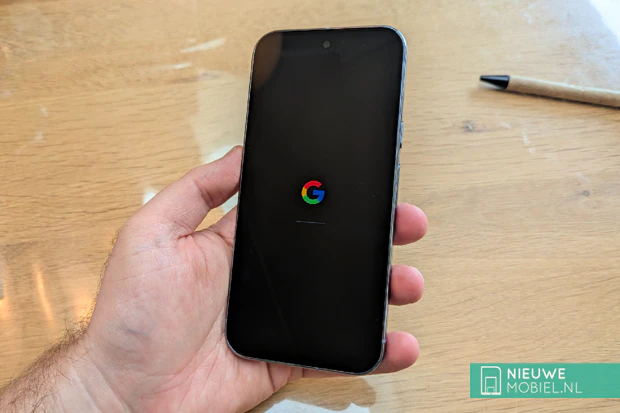
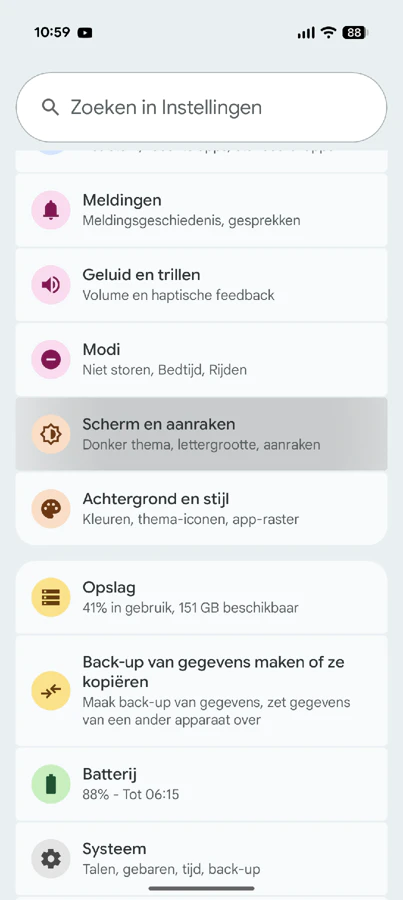
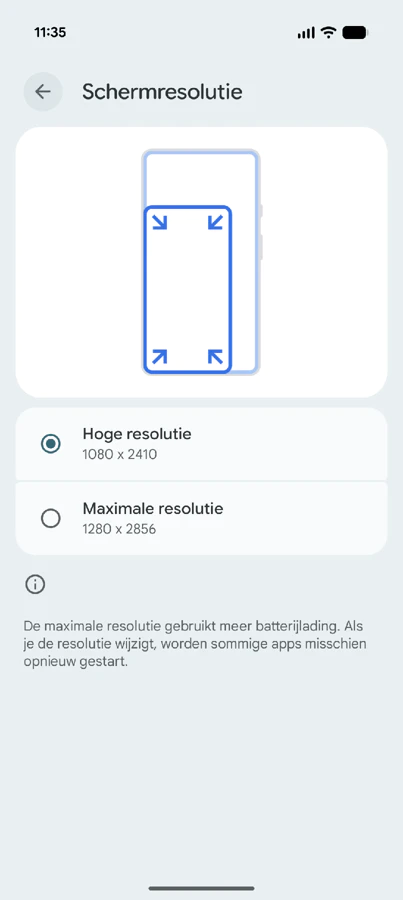
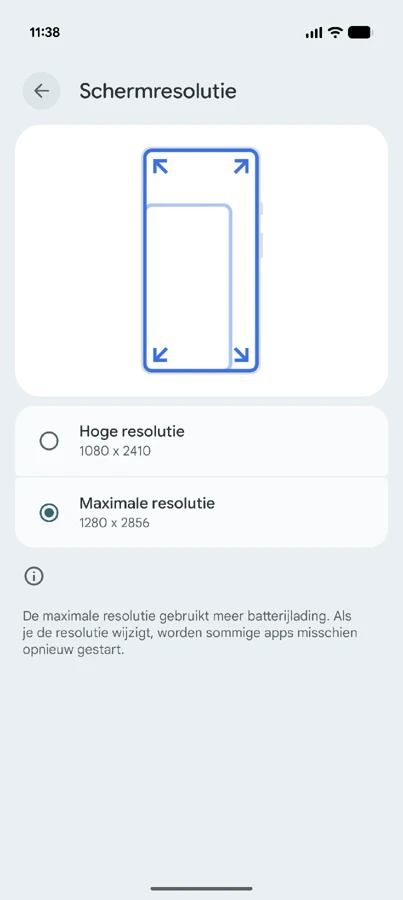
The panel looks fine but colors do start to distort when you tilt the screen. Colors look a bit warm but that is also due to Android 16 which hardly works with pure white. Google delivers the Pixel 10 Pro standard at high resolution (1080 x 2410), if you want more you can choose the maximum resolution (1280 x 2856). The latter requires more of your battery and also makes text slightly smaller. I guess it has to do with our age but we found it a bit too small, and so we left it at "high resolution" in this review. Nowhere did we find the image not sharp enough as a result.
Performance
Google has never had to rely on raw performance in recent years. Not that Pixel phones are slow, they just always score lower than comparable smartphones in the same category. This year, this seemed to possibly change with Samsung's switch to TSMC. That's the same manufacturer that makes the fastest chips for Apple and Qualcomm.
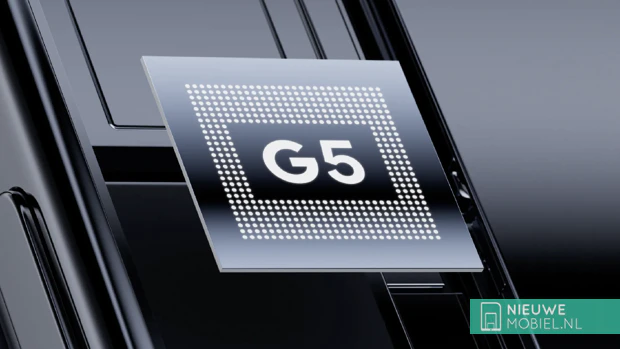
Then again, you don't have to buy a Pixel 10 Pro for the very fastest performance. We experienced frequent drops in frame rates during our testing. Is that a bad thing? No, but it does detract from the idea that you've bought a smartphone costing well over a thousand euros.
Google places less importance on raw performance and high benchmark scores, it wants a seamless experience between hardware and software. And that software leans heavily on AI, so Google prefers to focus on that. In practice, we also notice that the device does not heat up as quickly as the Pixel 9 Pro. And battery life is also fine although the device does seem to have a fairly aggressive power management system.
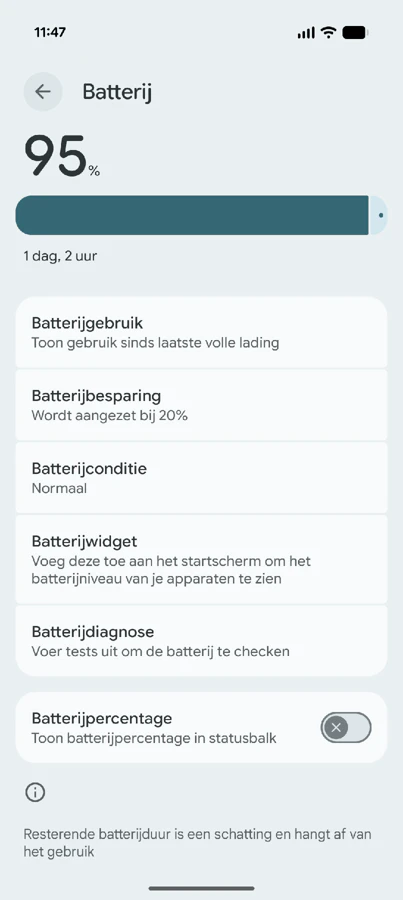


Notifications sometimes arrive significantly later than on other phones on which we've signed in our Google account. We get that Google has to make a tradeoff between optimizing battery life and the speed of notifications but here, as far as we're concerned, they go a little too far. You can turn this off under Settings > Battery > Battery Saver > Custom Battery Usage but since this is a self-learning feature, it may also get better over time.
Software
The Google Pixel 10 Pro comes out of the box with Android 16, making it one of the few with the latest Android version at the time of writing. That's also a big plus of the device for the years to come; you'll be the first to receive new Android updates and upgrades. For up to 7 years.

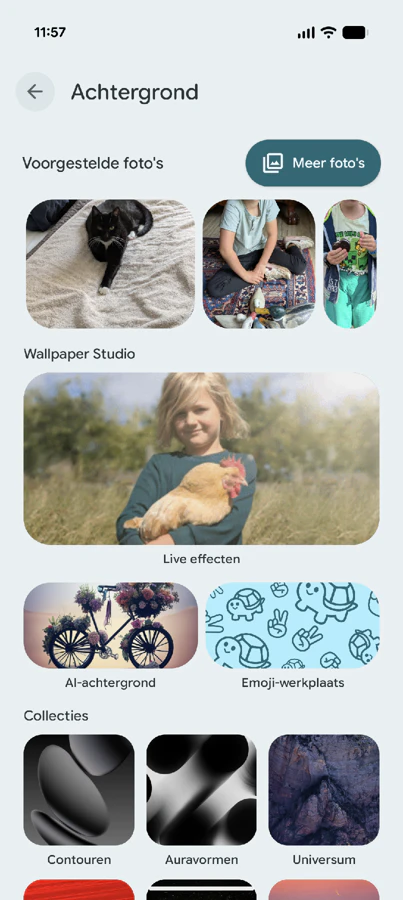
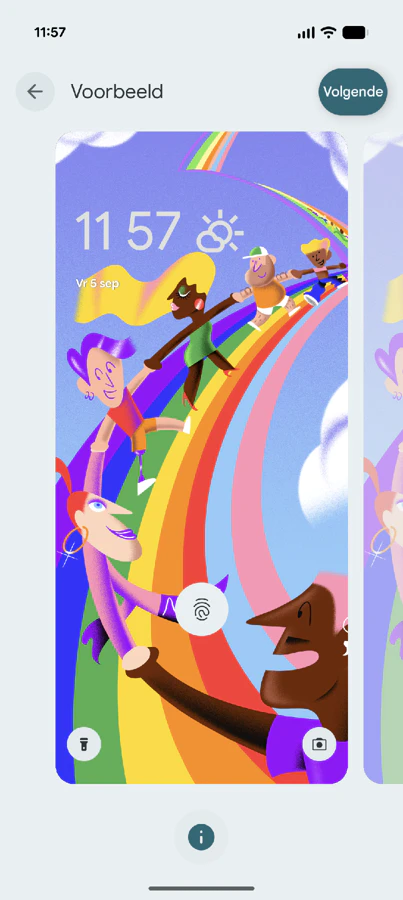
Android 16 does not feel substantially different from Android 15. It looks a bit more colorful with more animations. Buttons are sometimes a bit larger, have a bit more margin and have different shapes. There are plenty of little animations that are otherwise of little use but somehow make you happy. It's exactly what Google is aiming for with Android 16.
We were also very curious about the new AI features like Magic Cue that proactively invents answers for you based on information from your phone. But the feature only works in the US for now. Then on to Call Screen, another feature exclusive to Pixel phones. Doesn't work in the Netherlands either. The same goes for Hold For Me, Direct My Call and Wait Times.

And this is a recurring theme. Many such big-announced features are US- or English-only, such as Live Translate and Scam Detection (Pixel Drop March 2025). While an international launch is often promised, more often than not we see these kinds of features end up in the Google Graveyard where services like Google Reader, Google Talk and Google Hangouts are also laid to rest.
Hardware
And so, here in the Netherlands, we often have to make do with the hardware. And there is often something to be said for that with Google, especially quality control. In previous models, the camera beam sometimes came off, or inferior components were chosen. We like to remind you of the optical fingerprint scanner of previous generations that was slow and unreliable.
Google remedied the latter with a lightning-fast ultrasonic fingerprint scanner. And the overheating problems of the Tensor chip also seem to have been fixed.
Biggest difference, as far as we are concerned, is the addition of magnets in the casing. Google calls this Pixelsnap. This makes it suitable for Qi2 wireless charging and associated Qi2 accessories. So far, only the HMD Skyline as an Android smartphone had this feature while manufacturers are free to apply it. Google is now the first major manufacturer to jump into this hole that Apple has been in for years.
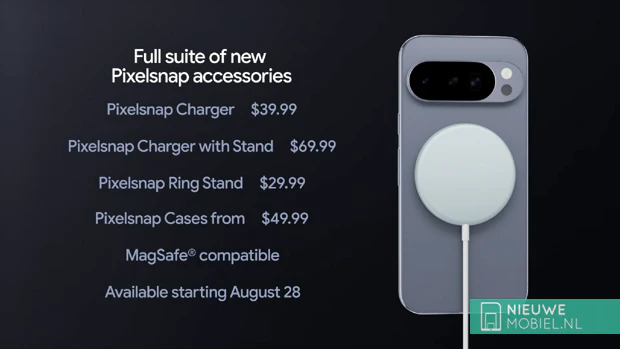
The biggest advantage of magnets is that wireless chargers automatically align, you won't find out afterwards that your phone wasn't charging. Very convenient. The now widely available Qi2 and MagSafe accessories are also a breath of fresh air. A magnetic holder? No problem. A magnetic card holder? Just fits. This makes shopping for accessories easier, but also much more fun because there is so much available.
Then a word about the speakers. They don't sound the best. Sound is not as spacious as expected and quickly sounds tinny. When increasing the volume, sound quickly begins to distort so that in practice you do not want to go above 75%. There is also no mention of bass. Perhaps the Pixel 10 Pro XL offers a bit more room for better speakers.
Camera
Cameras remain a strong point of the Pixel series and this Pixel 10 Pro does not disappoint us. You have access to a 50MP main camera with wide-angle lens, a 48MP ultra-wide-angle that also lets you shoot macro photos and a 48MP telephoto lens with up to 5x optical zoom. What's new is that it also lets you zoom up to 100x digitally and with AI, more on that later.
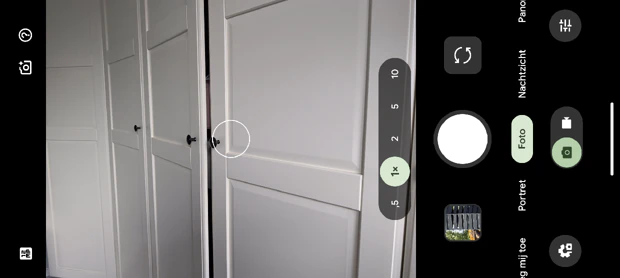
In the interface, you can set the zoom level to 0.5x, 1x, 2x, 5x and 10x. To zoom in further, you can swipe the screen or pinch-to-zoom with two fingers. From 15x zoom in, you can turn on image stabilization to help you capture your subject jerk-free.
During our testing, we found the results from the main camera to be excellent. This is partly due to the excellent HDR algorithm Google applies. Results up to 5x zoom is also very good, at 10x the image does start to look grainy quickly.
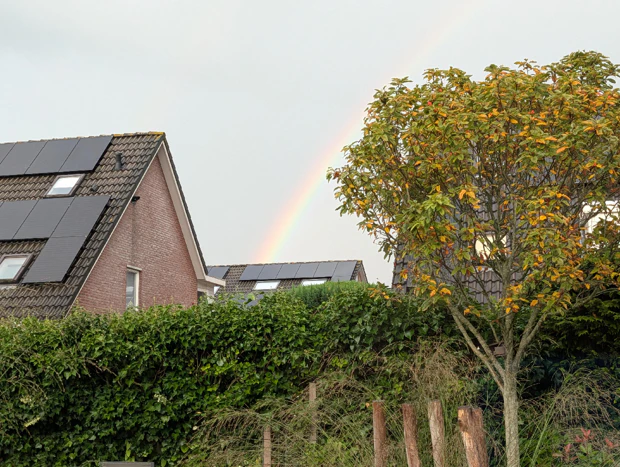



The 100x zoom function is a case in point. Google pulls the necessary AI over these results after which they look stunning. Especially when taking pictures of buildings and objects. On text and faces, it doesn't work. Text becomes gibberish, as do numbers, and faces the Pixel 10 Pro refuses to process.
100x AI Pro res zoom in action before and after (click to enlarge)
Conclusion
The Google Pixel 10 Pro is a phone of compromises: not the fastest, but with unique, useful features. Like previous Pixel models, it mostly has to rely on the seamless integration of hardware and software. But the fact that many of the prominently announced AI features are not available outside the U.S. means that the device already starts with a significant backlog. That lag is not overcome by raw performance, which still lags behind the competition.
So who is the Pixel 10 Pro for? We're inclined to say for the Android purist who wants a clean software experience and to be the first to receive new updates and upgrades. With seven years of software support, Google has you covered. However, this also brings a downside: you are unintentionally an app tester. Because Android 16 has not yet been widely rolled out, we were often faced with minor bugs and inconveniences, such as login issues or faltering functionality in various apps. These are issues that will undoubtedly be fixed, but users should take note.
So are the alternatives better? That depends on your priorities. A Samsung Galaxy S25 Ultra also offers a very complete package, but is considerably larger than the Pixel 10 Pro. In contrast, the more compact S25 lacks the premium cameras and Qi2 magnets that the Pixel does have. An iPhone 16 Pro is a fair comparison if you're open to iOS, but offers significantly less of the smart AI features that make the Pixel unique. But whether the few features that are available here do make anyone decide to trade in their trusty iPhone seems strong to us.
Ultimately, the question is: do the benefits of the Pixel 10 Pro, such as its excellent camera and unique Qi2 magnets, outweigh the absence of key AI features and inferior performance?

