Compare Cell Phones for Your Child
Choosing a phone for your child is different from choosing one for yourself: affordability, durability, and ease of management are more important than the latest camera features. In this overview, you can compare suitable devices, from simple dumbphones to screen-protected smartphones. Use the filters for price, screen size, and operating system to find the phone that’s right for your child.
1 product
Smartwatches for Kids
Dumbphones
7 products
Feature Phones
Dumbphone or smartphone?
Still unsure whether your child is ready for a phone? Then take a step back first: in our decision guide: first phone for your child, we list all the options, from smartwatches to supervised smartphones. If you’ve already made that choice, here’s the bottom line: most of the devices in this overview are dumbphones, and that’s why we prefer them for children.
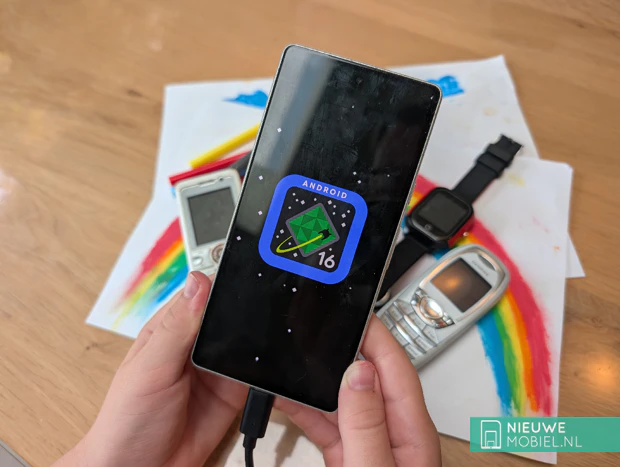
The dumbphone: our preference for a child
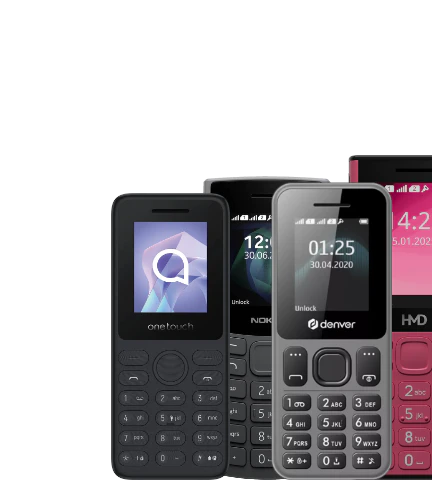
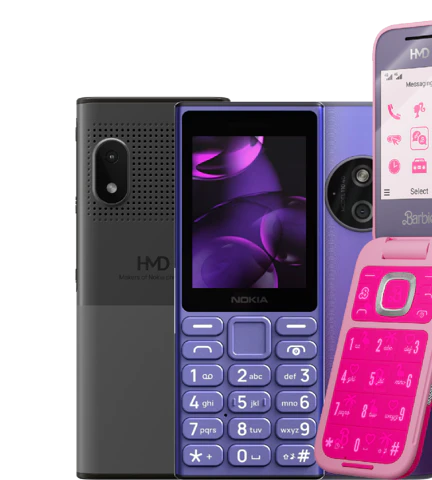
A feature phone makes calls and sends texts, sometimes has a small camera and a radio, and not much else. It lasts for days on a single battery charge, is virtually indestructible, and keeps peer pressure and the open internet at bay. Two things to know: most feature phones don’t run WhatsApp, so if your child needs to join the class group chat, you’ll run into that issue. And pay attention to the model: some devices do have a basic browser, so if you really want it locked down, turn off the browser and mobile data.
The restricted smartphone: a deliberate exception
If your high school-aged child really can’t do without WhatsApp, then a smartphone is an option. But do it thoughtfully and properly: lock down the device completely with parental controls, so that in practice it’s practically a feature phone. An entry-level model or a refurbished device from a Lower price range is more than enough; a first phone doesn’t need heavy-duty games or the latest camera.
Choose a feature phone in almost all cases: easy to reach without hassle, no internet, few worries. Our preference for a child.
Only choose a restricted smartphone if your child really can’t do without WhatsApp and you’re willing to completely lock down the device and enforce the rules.
What else should you look for?
In addition to the type of phone, a few factors make the difference between a device that gets left behind and one that lasts for years.
- Durability and battery life: choose something that can survive a drop and last through a school day; a separate case helps prevent broken screens. If it really needs to withstand rough use, look into rugged phones.
- Size: a more compact phone fits better in small hands than a large screen.
- Age as a guideline: government advice (2025) recommends not getting a first smartphone before 8th grade and waiting until age 15 for social media; a group of doctors recommends ages 14 and 16. These are guidelines, not laws, but the general principle is: the later a full-featured smartphone is introduced, the better.
Parental supervision and costs
If you choose a smartphone, everything hinges on how you set it up. Do this before you give the device to your child, not after.
- Family Link (Android): create a child account, manage which apps can be installed, and set screen time and bedtimes.
- Screen Time and Family Sharing (iPhone): the same on an iPhone, with time limits and purchase approvals per family member.
- Agreements: technology combined with clear agreements (where the phone goes at night, which apps are allowed) works better than the most expensive parental control app without a conversation.
When it comes to costs, the purchase price and the subscription are two separate things. A feature phone is the cheapest option to buy, and the overview above shows what a device currently offers. For the subscription, you can choose between prepaid and SIM-only. Prepaid has no fixed monthly fees, but you do have to top up the balance, and if you run out of credit, your child won’t be reachable—which defeats the whole purpose.
A SIM-only plan prevents that and can remain very affordable for a child. Also check with your own provider: many carriers offer an affordable plan for kids, or you can add your child to your own plan. That’s usually cheaper than a separate plan, keeps everything on one bill, and gives you immediate insight into usage.
