Compare Android Phones
Looking for an Android phone? Android is Google’s operating system, and dozens of manufacturers use it to build their own devices: from simple entry-level models to high-end foldable models. That makes the selection vast and confusing. We don’t earn more from one brand than another, so you can compare all Android phones below based on specifications and prices from all providers. Use the filters to narrow down the selection to the devices that suit you best.
29 products
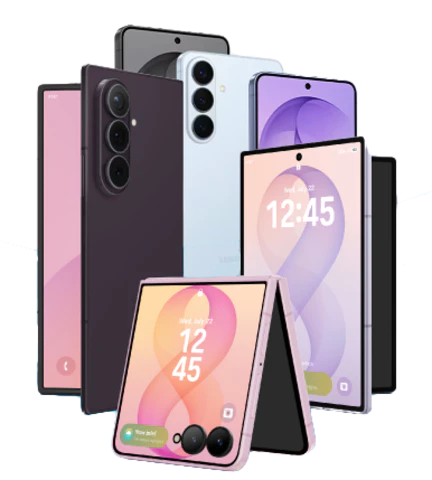
Samsung Galaxy phones
Google Pixel models
3 products
OnePlus smartphones
10 products
Xiaomi smartphones
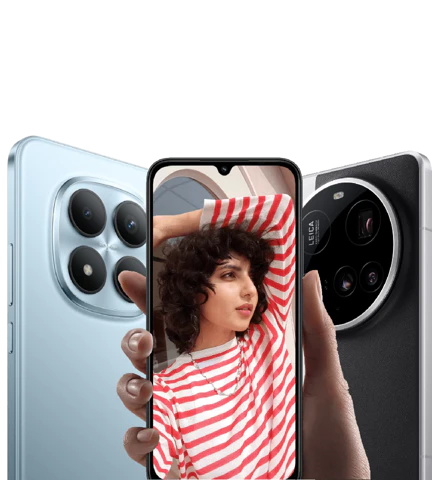
20 products
Motorola phones
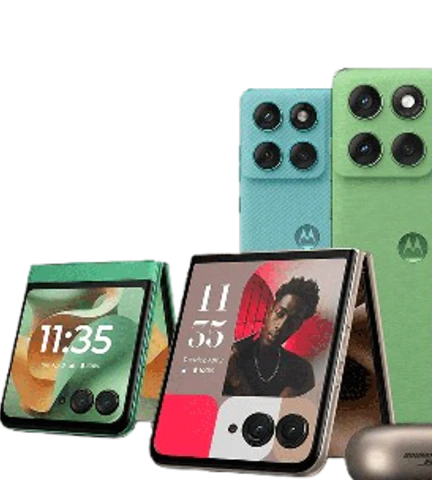
All Android phones
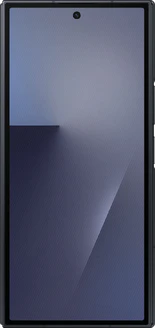
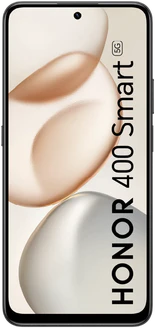
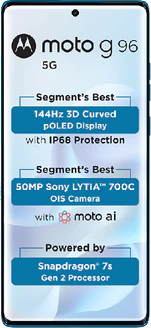
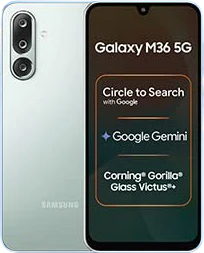
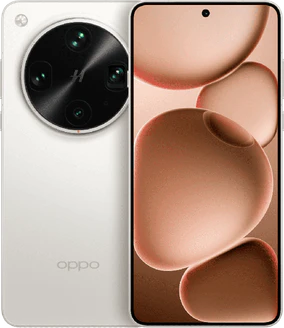
The choice here isn't about the operating system, but about the brand and model. Each manufacturer builds its own software layer on top of Android and makes its own hardware choices. As a result, the update cycle, user interface, charging speed, and form factor vary much more by brand than the version of Android the devices run on.
How do Android phones differ?
- Update cycle: The number of years of Android and security updates varies greatly by brand and model
- The brand’s software layer: One UI, HyperOS, ColorOS, and Hello UI all run on Android but differ in appearance, settings, and the number of pre-installed apps
- Charging and battery: charging speeds vary widely by brand, and not every model supports wireless charging; the maximum wattage a device can handle is listed on the product page for each model
- Form factor: In addition to the familiar rectangular designs—ranging from compact to extra-large—you’ll also find foldable devices here
The apps you use every day work on virtually every brand in this overview: banking, DigiD, navigation, streaming, and messaging are all available from the Google Play Store. There are two exceptions: the newer Huawei devices, which come without Google services, and devices running , which Google has deliberately excluded. So, whichever brand you choose, it doesn’t matter for those everyday apps. The difference lies in how long a device continues to receive updates and in the software you see on your screen every day.
Choose Samsung or Google if you want to keep using the device for as long as possible.
Choose Xiaomi or Motorola if value for money is your top priority.
Choose a foldable model if you want a large screen that fits in your pocket; these are the foldables.
Which Android phone is right for you?
The selection is huge, but most visitors fall into one of four profiles. If you’re not sure what type of phone you’re looking for, our selection guide can help you out.
The photographer and creator
Do you want to take the best photos and videos for social media or your own collection? Then check out the top models. The difference isn’t in the number of megapixels, but in the image processing and the inclusion of a true telephoto lens.
- What to look for: optical image stabilization (OIS), a night mode, and a telephoto lens with optical zoom instead of digital zoom
- Check out: Google Pixel Pro series, Galaxy S Ultra series and the overview of camera phones

The budget-conscious buyer
You’re looking for a smooth-running phone with a good screen, but you don’t need the very latest top-of-the-line model. In the mid-range segment, the price-to-quality ratio is usually the most favorable.
- What to look for: the update cycle (how long will it continue to receive updates?) and an AMOLED screen
- Check out: Samsung Galaxy A series, Xiaomi Redmi series and the overview of mid-range smartphones
The budget phone user
Do you mainly use your phone for messaging, calling, banking, and checking the news? Then an entry-level model is often more than enough. Even in this category, the cameras are usable in daylight, and the batteries last a full day.
- What to look for: sufficient storage and RAM, since these are the first things to run out on an entry-level model, and the presence of NFC for contactless payments
- Check out: Motorola Moto G series, Oppo A series and the overview of Low-end smartphones

The power user and gamer
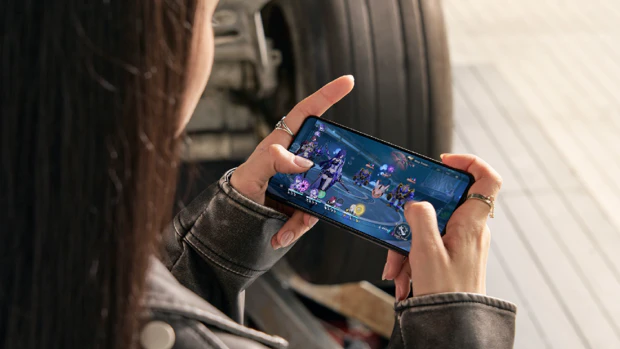
For you, performance is what matters most. You want to play demanding games, multitask, or watch movies on the best screen available.
- What to look for: a flagship processor, plenty of RAM, a high refresh rate, and cooling that maintains performance during extended gaming sessions
- Check out: Asus ROG phones and the overview of gaming phones
What sets Android brands apart?
Android gives you freedom of choice. While Apple offers a one-size-fits-all approach, every Android brand has its own specialty. These are the major brands and what sets them apart.
Samsung Galaxy
The market leader, with models in every class. From the affordable Galaxy A series to the high-end Galaxy S series and the foldable Z models.
- Features: often the best displays, seven years of updates on the S, S FE, and Z models, the comprehensive One UI software, and a wide range of accessories
- Choose Samsung if: you’re looking for an all-around device that works well with other devices, including a Windows PC
- Things to watch out for with Samsung: the A3x and A5x models get six years instead of seven, and the cheapest A models have an even shorter update period, and charging is slower than with Xiaomi and Oppo
- View all Samsung Galaxy phones here
Google Pixel
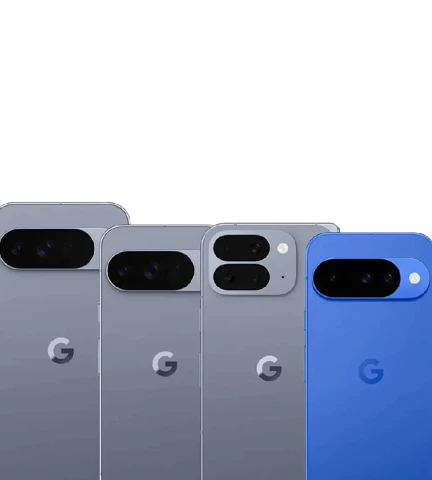
Phones from the creators of Android themselves. Pixel devices run on a stock version of Android, are the first to receive new updates, and rely heavily on software for their camera capabilities.
- Features: strong camera performance driven by image processing rather than hardware, AI features that Google rolls out first on its own devices, and seven years of Android and security updates
- Choose Pixel if: you want the purest Android experience and take a lot of photos
- Note about Pixel: the seven-year period applies starting with the Pixel 8 series, so the remaining term is shorter for older models
- View all Google Pixel phones here
Xiaomi and Motorola
The most hardware for your money. Both brands excel in the budget and mid-range segments.
- Features: often more storage, more RAM, or a larger battery for the same price than Samsung and Google offer. Motorola stands out with a minimalist software interface and stylish designs, while Xiaomi offers many models in the budget and mid-range segments
- Choose this option if: the price-to-quality ratio is the deciding factor
- Keep in mind with these brands: you’ll have to compromise on the number of years of updates, as the support period is shorter than with Samsung and Google and isn’t always published for each model
- View all Xiaomi phones
- View all Motorola phones here
Oppo
The brand that is taking over the role of its sister brand, OnePlus, in Europe. Both are part of the same parent company and use the same SuperVOOC charging technology; starting with Android 17, they also run on the same ColorOS software.
- Features: ultra-fast charging with SuperVOOC and a wide range of models, from the entry-level models in the Aseries to the foldable devices in the Find N series
- Choose Oppo if: you want fast charging and the ability to choose between a basic device and a top-of-the-line model within a single brand
- Keep in mind with Oppo: the update schedule varies greatly by series, so check the specific commitments for each device
- View all Oppo phones
OnePlus
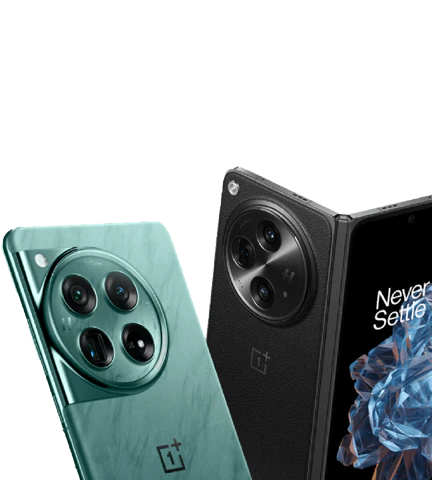
Started as a challenger offering high performance for a low price. In July 2026, OnePlus announced it would stop releasing new products in Europe.
- Features: powerful performance and extremely fast charging with SuperVOOC, but no more successors in this market; starting with Android 17, Oppo’s ColorOS software will replace OxygenOS
- Note regarding OnePlus: the promised update period remains in effect but will not be extended, so check the remaining update period for each device
- Read what that means on the page featuring OnePlus phones
What should you look for when comparing?
Before you make a final decision, two factors are key. The first determines your day-to-day convenience; the second determines how long the device will last.
Battery life and charging
A 5000 mAh battery is now standard in the mid-range segment, so that’s no longer where the difference lies. It’s in the charging. Brands like Xiaomi and Oppo charge significantly faster than Samsung and Google, which take a more measured approach; however, their top models do support wireless charging. The maximum wattage a device can handle is listed on the product page for each model.
Silicon-carbon (Si-C) batteries offer more capacity in the same space, resulting in devices that exceed 6,000 mAh by a wide margin. You’ll find this technology primarily in devices from Chinese brands.
Update Policy: How Long Will the Device Remain Secure?
This is where Android phones vary the most, and it’s not something you can tell just by looking at the price.
- Samsung and Google: promise seven years of Android and security updates for their flagship models and specify that timeframe for each model
- Fairphone: specifies an end date for support per model rather than a number of years, and designs its devices so you can repair them yourself
- Most other brands: do not publish a timeframe per model or only a minimum requirement; if there is a commitment, you’ll find it on the device’s product page, and otherwise, the legal minimum below serves as your guide
As of June 20, 2025, a legal minimum applies in the EU for new models: the manufacturer must continue to provide security updates for five years after the last day of sale and spare parts for seven years. This is a minimum requirement, not a promise from the manufacturer, and models released before that date are not covered.
Switching from iPhone to Android
Are you unsure about making the switch? It’s easier than you think. With the built-in migration tools, you can transfer your photos, contacts, calendars, and even your WhatsApp history from iOS to Android during setup. All you need is a cable or a stable Wi-Fi connection. The major brands provide their own tools for this.
| Brand | Tool | How it works |
|---|---|---|
| Samsung | Smart Switch | Transfer data via iCloud (wirelessly) or with a cable. The cable method is faster and also transfers your message history. |
| Oppo and OnePlus | Clone Phone | Works via a QR code and a Wi-Fi hotspot. Handy for contacts and photos, but the cable method is often more comprehensive for message history. |
| Xiaomi | Mi Mover | Similar to Clone Phone, and great for files. For your message history, it’s better to use the cable transfer option that Android offers during setup. |
If your new device’s brand isn’t listed, the transfer will take place via the step that Android itself offers during setup. Make sure to do this correctly the first time: if you skip that step, you’ll have to reset the device to factory settings to access it again.
History of Android Versions
Google released the first version of Android in 2008, and since then, a new version has been released practically every year. In the beginning, these versions were named after a sweet treat, but starting in 2019, Google has used only a number. Internally, the dessert name is still used. The table below starts with the first version for which Google publicly used the name.
| Version | Code Name | Release Date | New Features |
|---|---|---|---|
| 17 | Cinnamon Bun | June 2026 | Apps in a floating window, parental controls on all devices |
| 16 | Baklava | June 2025 | Material 3 Expressive |
| 15 | Vanilla Ice Cream | September 2024 | Partial screen sharing, satellite connectivity |
| 14 | Upside Down Cake | October 2023 | Blocks installation of apps for Android 5.1 and older |
| 13 | Tiramisu | August 2022 | Additional privacy options, Bluetooth LE Audio |
| 12.1 (12L) | Snow Cone v2 | March 2022 | Optimization for foldables and tablets |
| 12 | Snow Cone | October 2021 | Material You and privacy indicator |
| 11 | Red Velvet Cake | September 2020 | Contact notifications and Bubbles |
| 10 | Quince Tart | September 2019 | More privacy options |
| 9.0 | Pie | August 2018 | Notch support, digital awareness |
| 8.0 - 8.1 | Oreo | August 2017 | Picture-in-picture and new emojis |
| 7.0 - 7.1 | Nougat | August 2016 | Split-screen and automatic updates |
| 6.0 | Marshmallow | October 2015 | Support for fingerprint scanners |
| 5.0 - 5.1 | Lollipop | November 2014 | Material Design interface |
| 4.4 | KitKat | October 2013 | Support for low-end hardware |
| 4.1 - 4.3 | Jelly Bean | July 2012 | Performance improvements |
| 4.0 | Ice Cream Sandwich | October 2011 | Holo UI, Face Unlock |
| 3.0 - 3.2 | Honeycomb | February 2011 | Tablet support |
| 2.3 | Gingerbread | December 2010 | New layout, NFC support |
| 2.2 | Froyo | May 2010 | Performance improvements and Wi-Fi hotspot |
| 2.0 - 2.1 | Eclair | October 2009 | New home screen and camera app |
| 1.6 | Donut | September 2009 | Support for larger screens |
| 1.5 | Cupcake | April 2009 | Bluetooth support |
About the Android Mascot
Ever since the beginning, the Android logo has featured a robot-like figure—the mascot. It was named Bugdroid. Bugdroid was initially a complete figure with a head, torso, arms, and legs. Later, only the head was used.

In 2023, Bugdroid received an update and a 3D design. Google now officially refers to the mascot as The Bot.
