
Compare Bluetooth Trackers: Never Lose Your Stuff (2026)
Are you about to leave, but your keys are nowhere to be found? Or want to check in your suitcase at the airport with peace of mind? A Bluetooth tracker is the smallest investment with the greatest peace of mind. Whether you are an iPhone fanatic or loyal to Android, there is always a tracker that fits your ecosystem perfectly. We'll help you find the best deal among the latest models from 2026.
Find your stuff anywhere in the world with the right network
The main advantage of a modern Bluetooth tracker is not the Bluetooth connection itself, but the global network of devices behind it. Where before you could only find your keys if you were within 10 metres, today's trackers use millions of phones to transmit the location anonymously.
Which tracker suits your smartphone?
Not every tracker works with every phone. This is the most important choice you have to make. Although brands like Tile are universal, phone manufacturers' 'own' trackers often offer the most accurate location tracking.
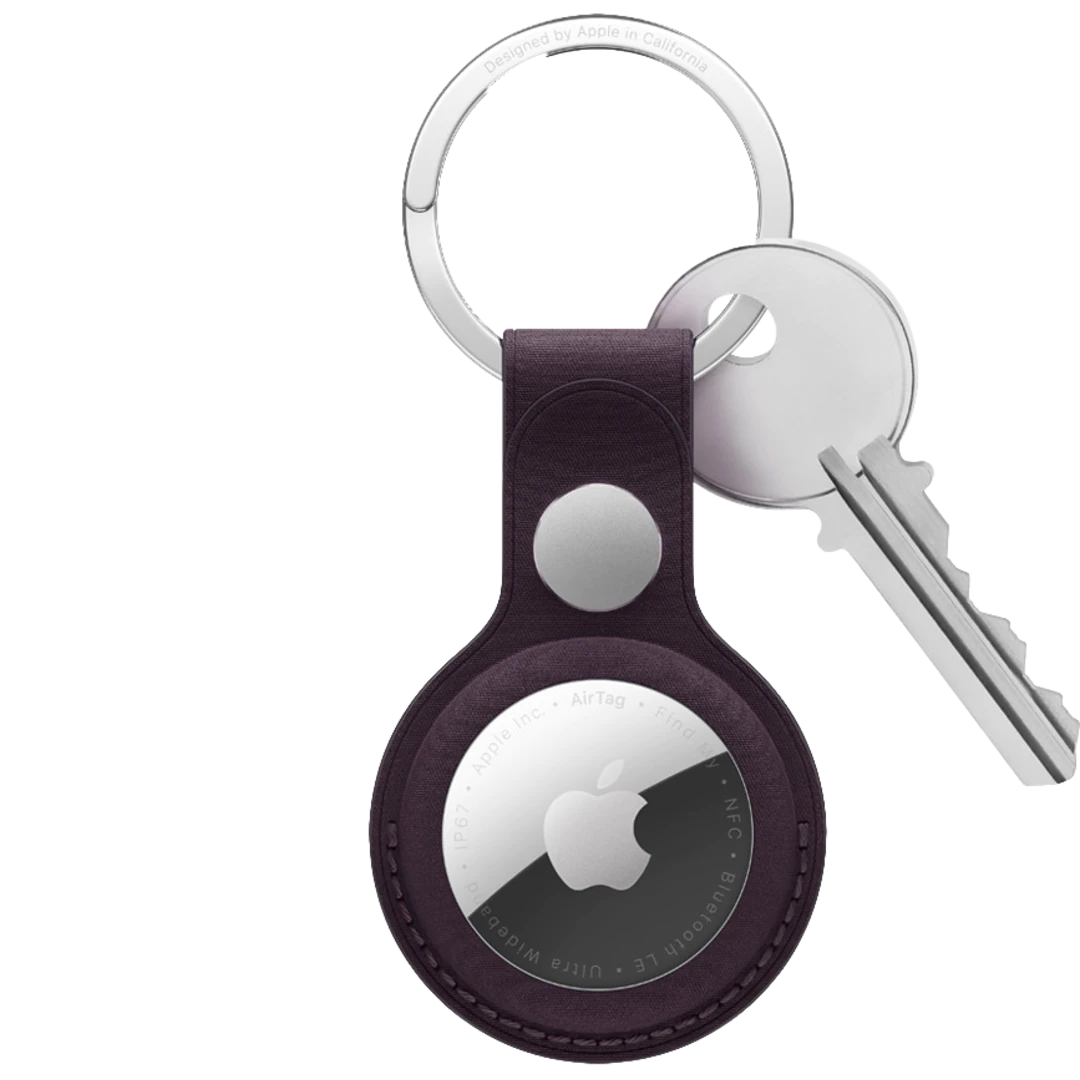
- Apple users: The Apple AirTag 2 is the undisputed king thanks to its massive 'Find My' network.
- Samsung users: The Galaxy SmartTag 2 works seamlessly with your Samsung account and offers handy extras like controlling your smart home.
- Android & Google: The Motorola Moto Tag and Xiaomi Tag take full advantage of Google's revamped 'Find My Device' network.
Ultra Wideband (UWB): Navigation down to the centimetre
Looking for a tracker for your keychain that often gets lost between sofa cushions? Then look out for the presence of Ultra Wideband (UWB). This allows you to see an arrow on your screen pointing you in exactly the right direction, instead of just playing a sound.
Never run out of battery at the wrong time again
Most modern trackers, such as the popular Chipolo One Spot or the Tile Pro, use a standard CR2032 button cell battery. This is a big advantage: you never need to charge the tracker. The battery lasts a year on average and can be replaced at any supermarket for a few euros.
Sometimes accessory needed to attach
Some bluetooth trackers have a loop so you can easily attach it to something, such as your keys. Others don't have that. You will then need to buy a separate accessory to attach it to something. Factor in that cost if you're considering buying one.
Deterring unwanted tracking
There little device that can track your location, that comes with privacy concerns. And rightly so. Someone could, in theory, stick an AirTag or other tracker under your car, place it under your bike seat or squeeze it into a bag.
Both Apple iPhones and Google Android phones notify when you unknowingly carry an AirTag or other Find My tracker. For iPhone, this requires iOS 14.5 or later. Make sure the following settings are on:
- Settings > Privacy & Security > Location Features (turn on)
- Settings > Privacy & Security > Location Features > System (turn on Find My iPhone)
- Settings > Bluetooth (turn on Bluetooth)
- Settings > Notifications > Tracking notifications (turn on 'Allow notifications')
- Turn off Airplane mode
As of 2023, Android also notifies if you are carrying AirTags without knowing about it. Android users can also download Apple's Tracker Detect app. This app looks for AirTags that travel with you unsolicited.
