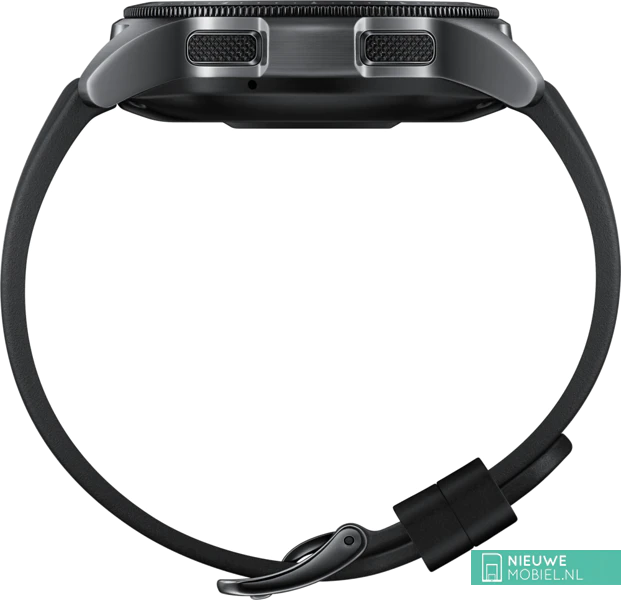
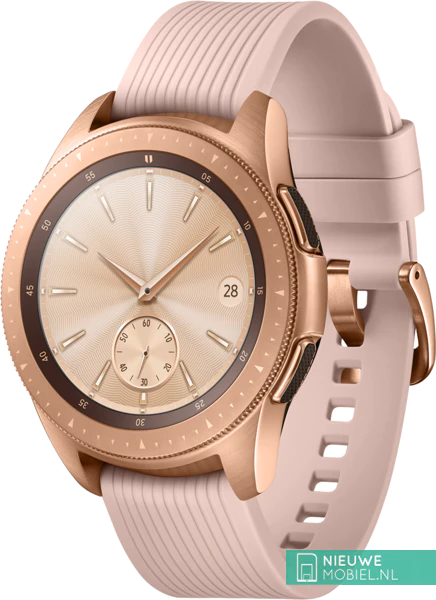
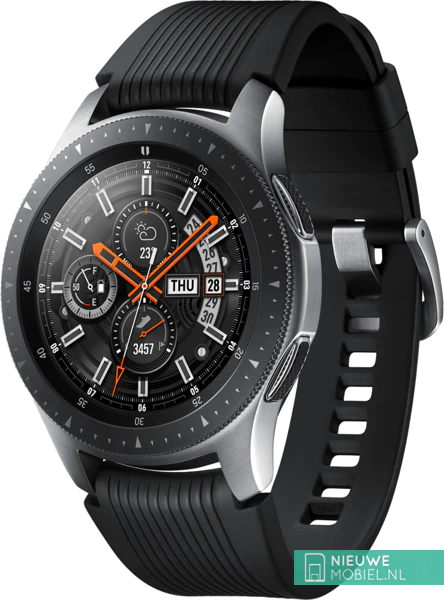
Samsung Galaxy Watch 42mm
No longer available new
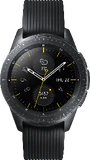
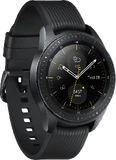
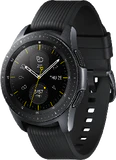

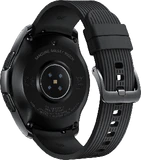
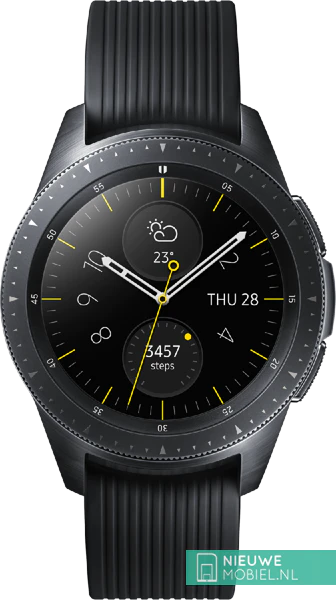
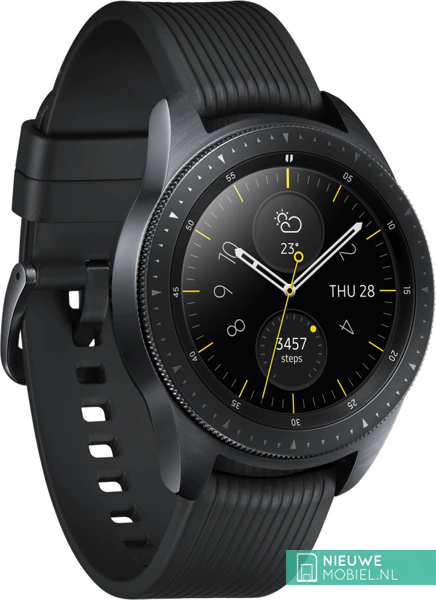
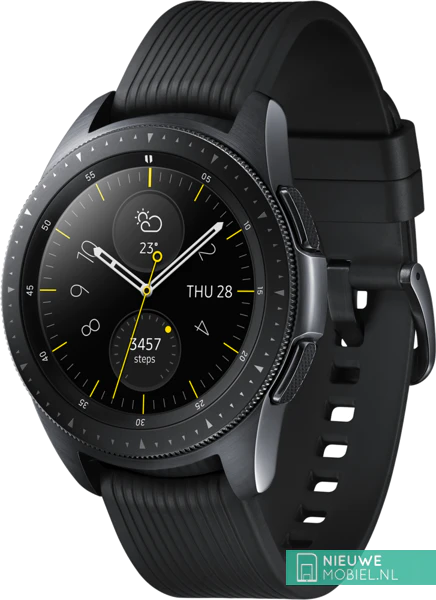

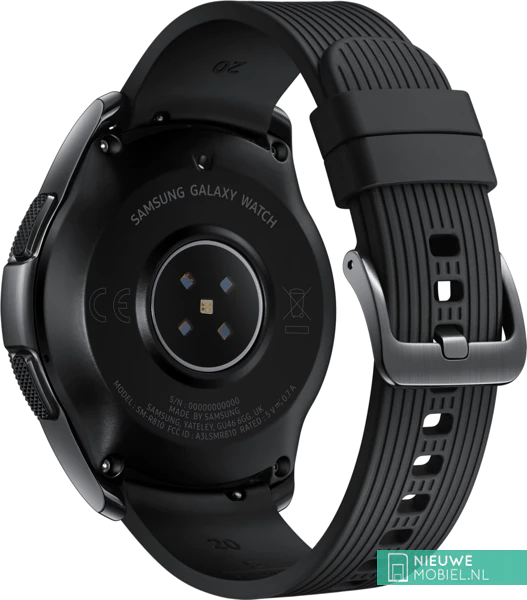
£ 134,99
4 kleuren
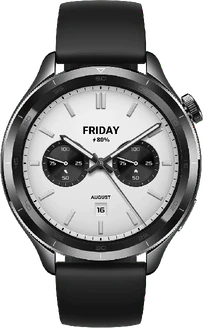
£ 104,99
3 kleuren
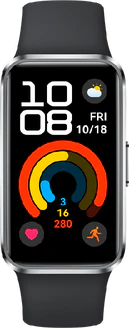
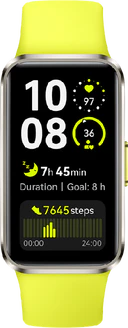
£ 38,84
1 kleur
Most popular specs
- 9 august 2018Announced
- 49 gr12,7 mm thick
- Tizen 4
- 4 GBNot expandable
- 1.2"360x360 pixels
- 270 mAh
- Heart rate monitor
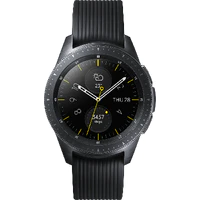
Samsung Galaxy Watch 42mm
Key features Samsung Galaxy Watch 42mm
Display
- Colour display: Circular Super AMOLED
- Size: 1.2 inch
- Resolution: 360 x 360 pixels
Hardware
- Processor: Samsung Exynos 9110, Dual Core
- Clock Frequency: 1.15 GHz
Materials
- Dirt and waterproof:
- Rugged casing:
Build-in memory
- Internal memory: 4 GB
Power supply
- Battery: 270 mAh
- Wireless charging:
Sensors
- Heart rate monitor:
Reviews of the Samsung Galaxy Watch 42mm
Let us know what you think of this product and help others decide. Click the button above to get started.
Samsung Galaxy Watch 42mm alternatives
Tip: Scroll the table below to see more
 |  | £ 134,99 4 kleuren | £ 104,99 3 kleuren | £ 38,84 1 kleur | 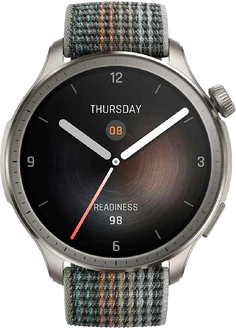 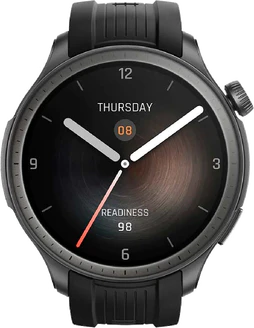 £ 138,27 1 kleur |
|---|---|---|---|---|---|
| Colour display: | Circular Super AMOLED | AMOLED | AMOLED | AMOLED | AMOLED |
| Resolution: | 360 x 360 pixels | 466 x 466 pixels | 466 x 466 pixels | 368 x 194 pixels | 480 x 480 pixels |
| Size: | 1.2 inch | 1.32 inch | 1.43 inch | 1.47 inch | 1.5 inch |
| Refresh rate: | 60 Hz | 60 Hz | |||
| Max. power: | 60 Hz | ||||
| Processor: | Samsung Exynos 9110, Dual Core | Qualcomm Snapdragon Wear 2500, Quad Core | |||
| Clock Frequency: | 1.15 GHz | 1.1 GHz | |||
| Rugged casing: | |||||
| Internal memory: | 4 GB | 4 GB | |||
| Battery: | 270 mAh | 320 mAh | 486 mAh | 180 mAh | 475 mAh |
| Wireless charging: |
