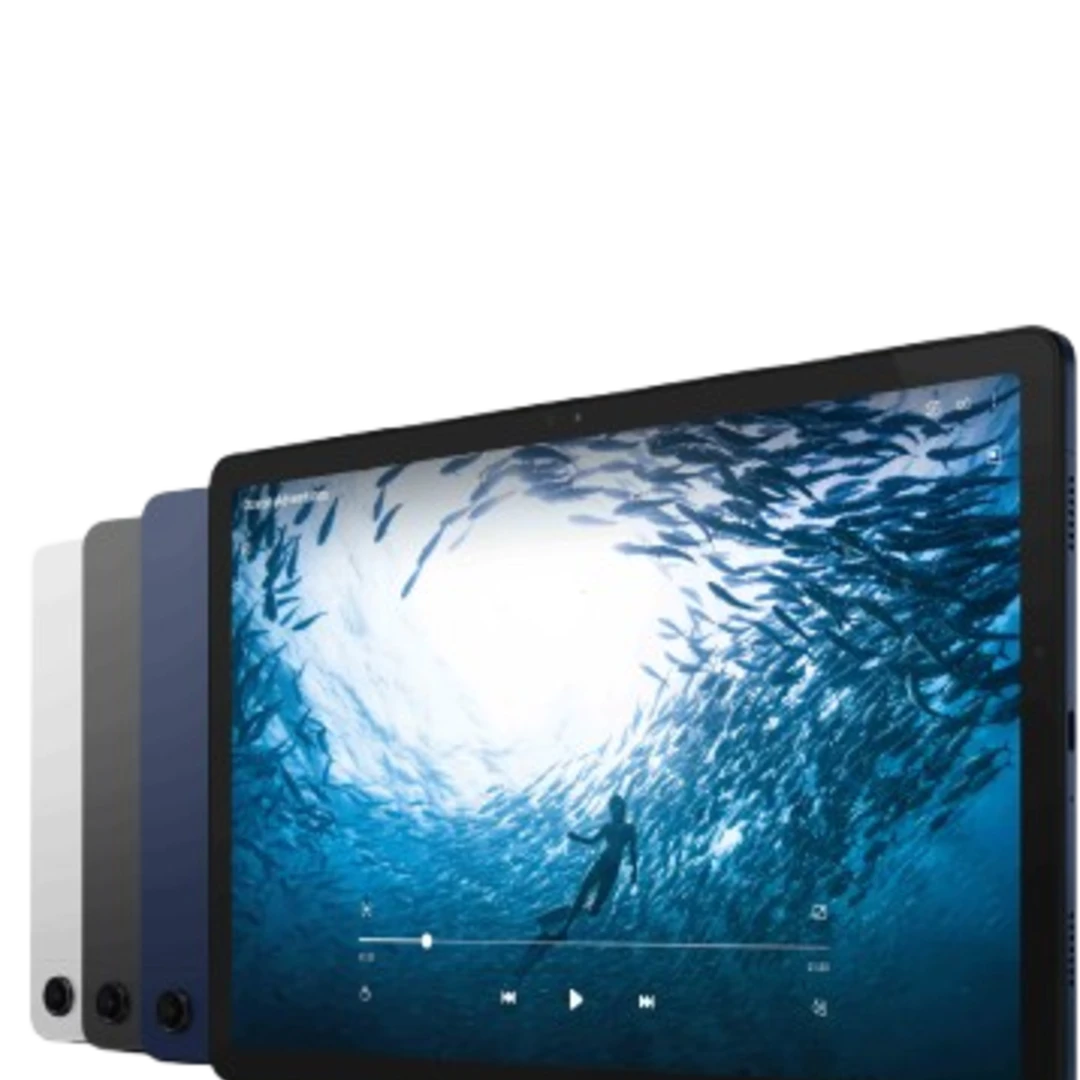
Samsung Galaxy Tab A series
The Samsung Galaxy Tab A series is Samsung’s affordable entry-level range: tablets for streaming, reading, video calling and doing homework, without the price tag of the top-of-the-range models. You’ll find both the compact and larger versions here, sold individually or as bundles. If you’re looking for a better screen and more processing power, take a look at the Galaxy Tab S series or the other Samsung tablets. We compare the current prices across all retailers, 100% independently. Use the filters for screen size, storage or price to find the right Galaxy Tab A straight away.
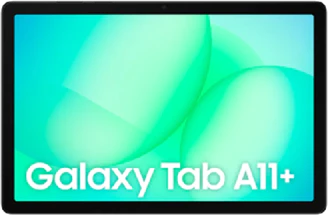
All Samsung Galaxy Tab A models
Who is the Samsung Galaxy Tab A series aimed at?
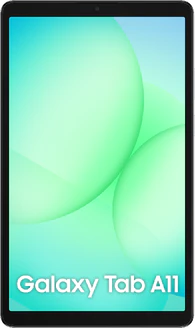
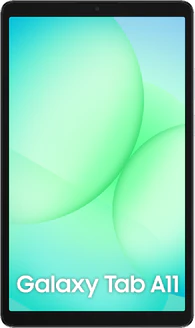
The Galaxy Tab A is designed for those who mainly use a tablet for watching, reading and browsing, rather than for working or drawing. The range currently consists of the Galaxy Tab A11 with an 8.7-inch screen and the larger Galaxy Tab A11+ with an 11-inch screen. Both feature an LCD screen with a 90 Hz refresh rate, making scrolling appear smoother than on older entry-level tablets.
Tab A or Tab S: what’s the difference?
The difference lies in the screen, the chip and the stylus. The Galaxy Tab S series has an AMOLED screen with a 120 Hz refresh rate and comes with the S Pen; the Tab A has an LCD screen with a 90 Hz refresh rate and no stylus included in the box. In practice, this means that films and games look richer and smoother on a Tab S, and demanding apps continue to run smoothly for longer. For streaming, social media and schoolwork, that difference is smaller than the price tag suggests, as the Tab S series can easily cost several times as much as a Tab A.
Choose the Galaxy Tab A if the tablet is mainly for watching videos, playing games, reading and video calls, or if it’s used by several family members and can therefore take a bit of a knock.
Choose the Galaxy Tab S series if you want to draw or take notes with a stylus, use it outdoors a lot, or use the tablet as a laptop replacement.
What you’re giving up for that price
To be fair: there are two areas where you can clearly tell this is the entry-level range.
- The screen is basic: LCD rather than AMOLED. As a result, black appears more like dark grey, and the screen is harder to read outdoors in bright sunlight.
- The processor is modest: the Tab A11 runs on a MediaTek Helio G99, an entry-level processor. Heavy 3D games and dozens of tabs open at once will cause the device to stutter. The Tab A11+ with the Dimensity 7300 is noticeably more powerful in this respect.
- No stylus included: the S Pen is not supplied. If you want to draw or take handwritten notes, you’ve chosen the wrong series.
- Slow charging: the Tab A11 charges at 15 watts, the Tab A11+ at 25 watts. So you’ll need to charge it fully overnight, not between appointments.
Strength: battery life and family use
The Galaxy Tab A11+ has a 7,040 mAh battery, the Tab A11 a 5,100 mAh battery. Given the light use these tablets are designed for, this means they won’t need charging for days on end. Handy for a family tablet that sits on the coffee table and is picked up by everyone. Android also supports multiple user profiles, and with Samsung Kids you can create a separate, protected environment for children with their own apps and a time limit.
How long will a Galaxy Tab A receive updates?
Samsung promises seven years of operating system and security updates for the Galaxy Tab A11 and A11+, until 2032. That’s remarkably long for an entry-level tablet and on a par with what the much more expensive Tab S series receives: so you’re certainly not compromising on this front. One caveat: Samsung does not communicate this promise equally clearly on every product page, and Notebookcheck openly questioned it. Check the specific manufacturer’s promise for the model of your choice.
Which size is right for you?
The 8.7-inch Tab A11 is light enough to hold in one hand for long periods: ideal for reading, travelling by train and little hands. The 11-inch Tab A11+ is the better tablet for watching films and the more suitable choice if you also need to type or work on it from time to time. If you’re torn between Samsung and another brand, compare it with the other Android tablets.
