Compare cheap mobile phones
Cheap mobile phones come in more varieties than you might expect: from handsets that are just for making calls to fully-fledged entry-level smartphones. In this overview, they are sorted by price, with the current price listed for each participating shop. We don’t earn any more from one handset than from another. If you’re not yet sure which type you’re looking for, read about the differences below the overview.
32 products
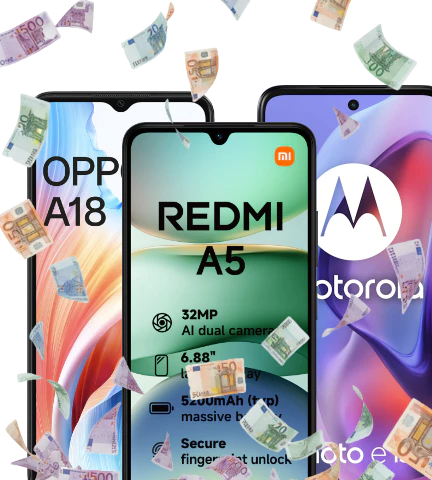
Cheap smartphones
3 products
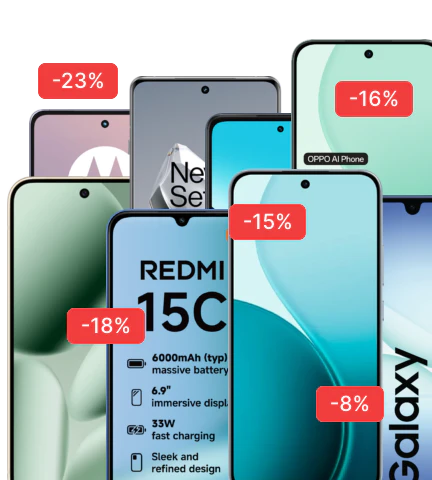
Mobile phone deals
Dumphones
The most popular cheap phones
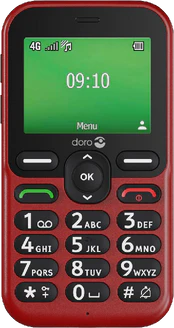
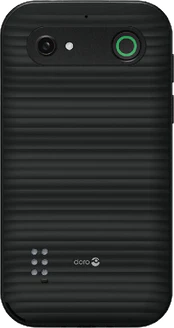
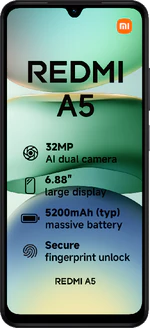
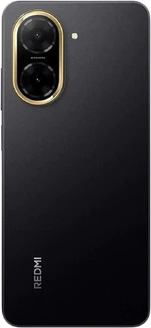
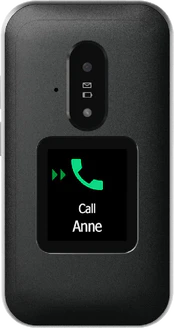
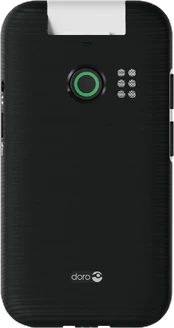
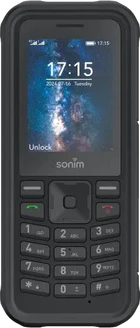
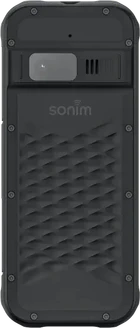
All cheap phones
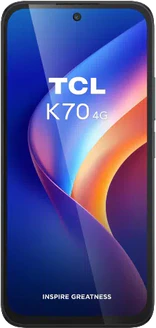
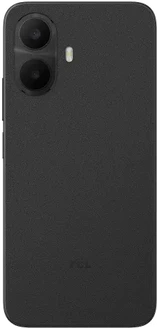
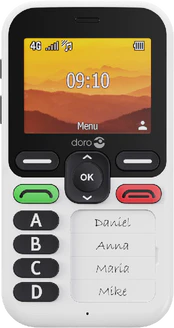
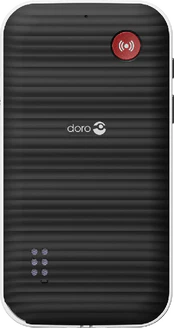
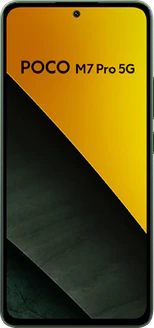
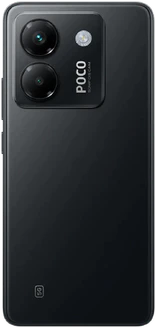
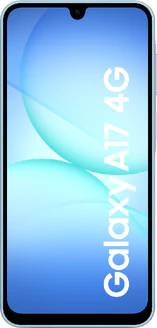
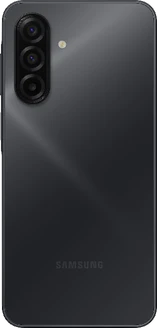
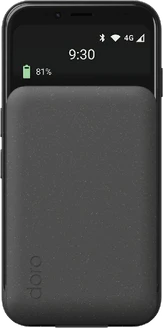
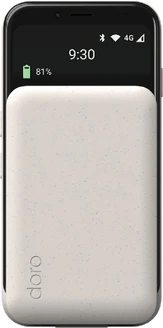
Which budget mobile phone is right for you?
That depends mainly on what you want to be able to do: just make calls, or use apps and the internet as well. That distinction is more important here than the price itself, because the different types vary more from one another than the handsets within a single type.
How do budget phones really differ?
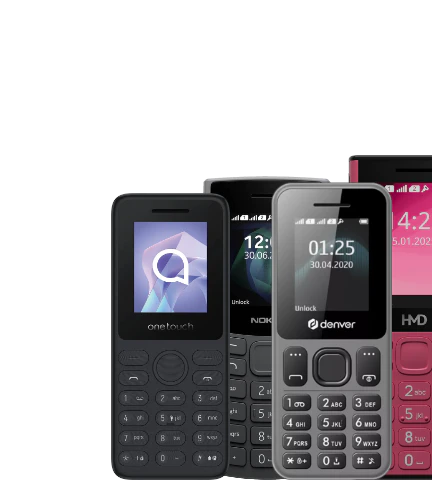
- Dumbphones: calls and text messages, long battery life and no apps, so no distractions either
- Feature phones: can do just a little more, with a calendar, sometimes a radio, games and, on some models, a basic camera
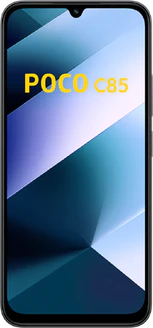
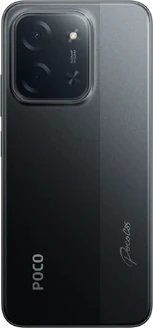
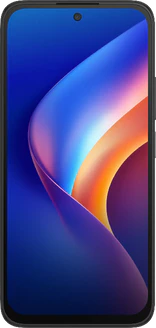
- Entry-level smartphones: a fully-fledged smartphone with apps, internet and a video camera, but with slower components; also referred to as low-end smartphones on our site
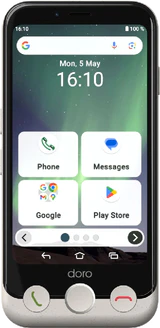
Phones for older people are not a fourth category: they come in two forms – as a basic mobile phone and as a smartphone with a simplified interface. What they have in common are larger buttons, speed dialling for favourite contacts and, in some cases, an emergency button.
What all the handsets in this overview have in common is the ability to make calls, send text messages and be reachable on the Dutch network. The choice therefore comes down to the additional features. Bear in mind one thing that really sets this category apart: how long a handset will continue to receive software updates. With the cheapest handsets, this period is usually shorter, and with a smartphone this is more important than with a basic mobile without apps, because security updates protect your data.
Choose a basic mobile or feature phone if you mainly want to make calls and want to charge it as little as possible
Choose an entry-level smartphone if you need apps, maps, the internet and a camera
Choose a phone with buttons and a menu if simplicity is your top priority, as senior-friendly phones come in both forms
Will you remain reachable with this handset?
This is the most important check for a very cheap handset. Older network technology is being phased out: 3G is no longer in use in the Netherlands and 2G will also be phased out in due course. A handset that cannot make calls via 4G currently still falls back on 2G for calls, but will soon no longer be able to make calls, even if the box states it supports 4G. So check whether a handset supports 4G or 5G and whether making calls via 4G (VoLTE) is possible; this is listed in the specifications.
What do you get – and what don’t you get – in this category?
You do get: reliable calls and text messages; with basic handsets, battery life lasting days rather than hours; and with an entry-level smartphone, the apps you use every day plus a camera for taking photos in daylight. Not included: a fast processor for demanding games, sharp photos in the dark, a high refresh rate or a dust- and water-resistant casing. If you want to look further, budget phones has a fixed upper limit, which is handy if you have a maximum price in mind. Cheap smartphones only shows smartphones, without any basic models mixed in.
